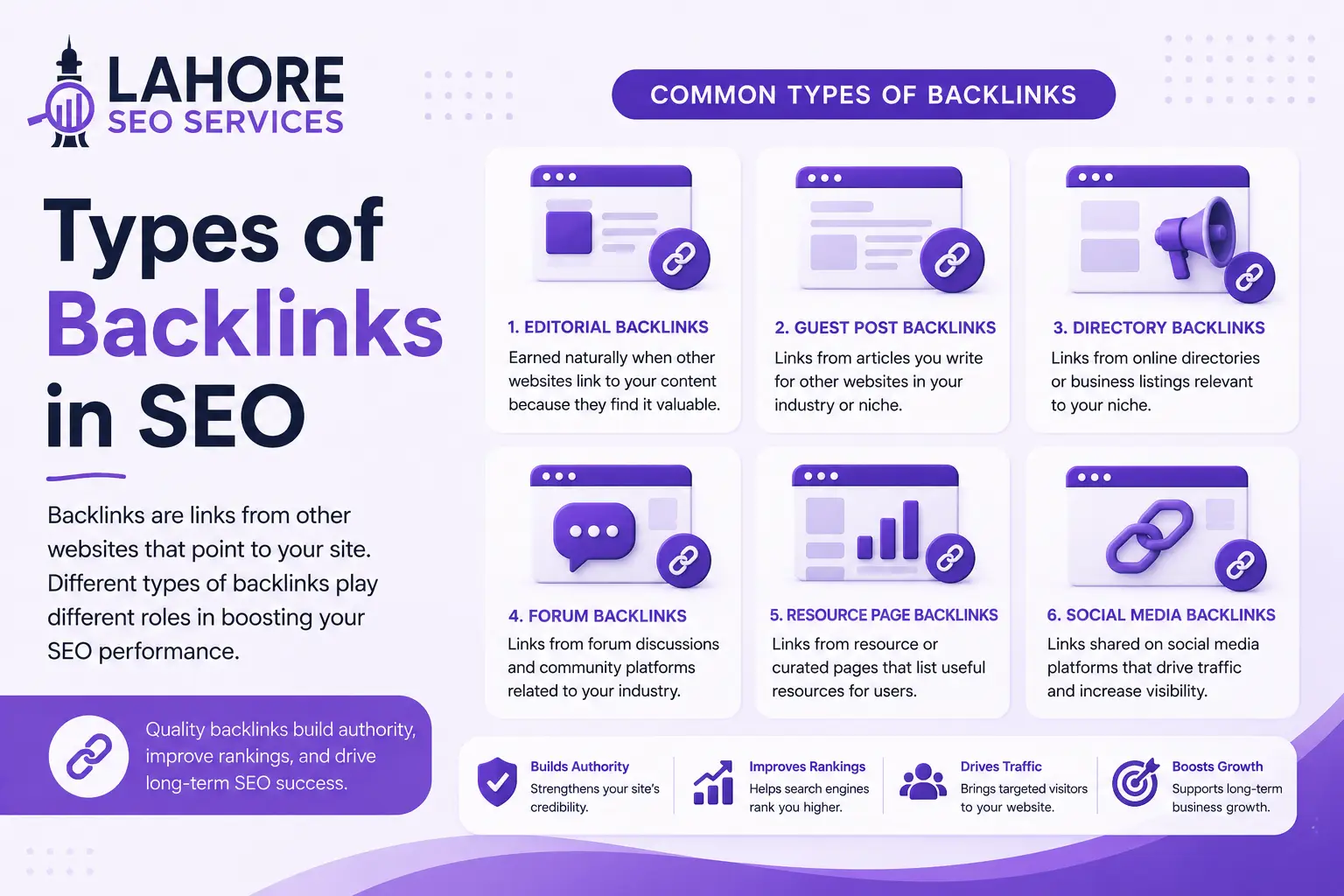
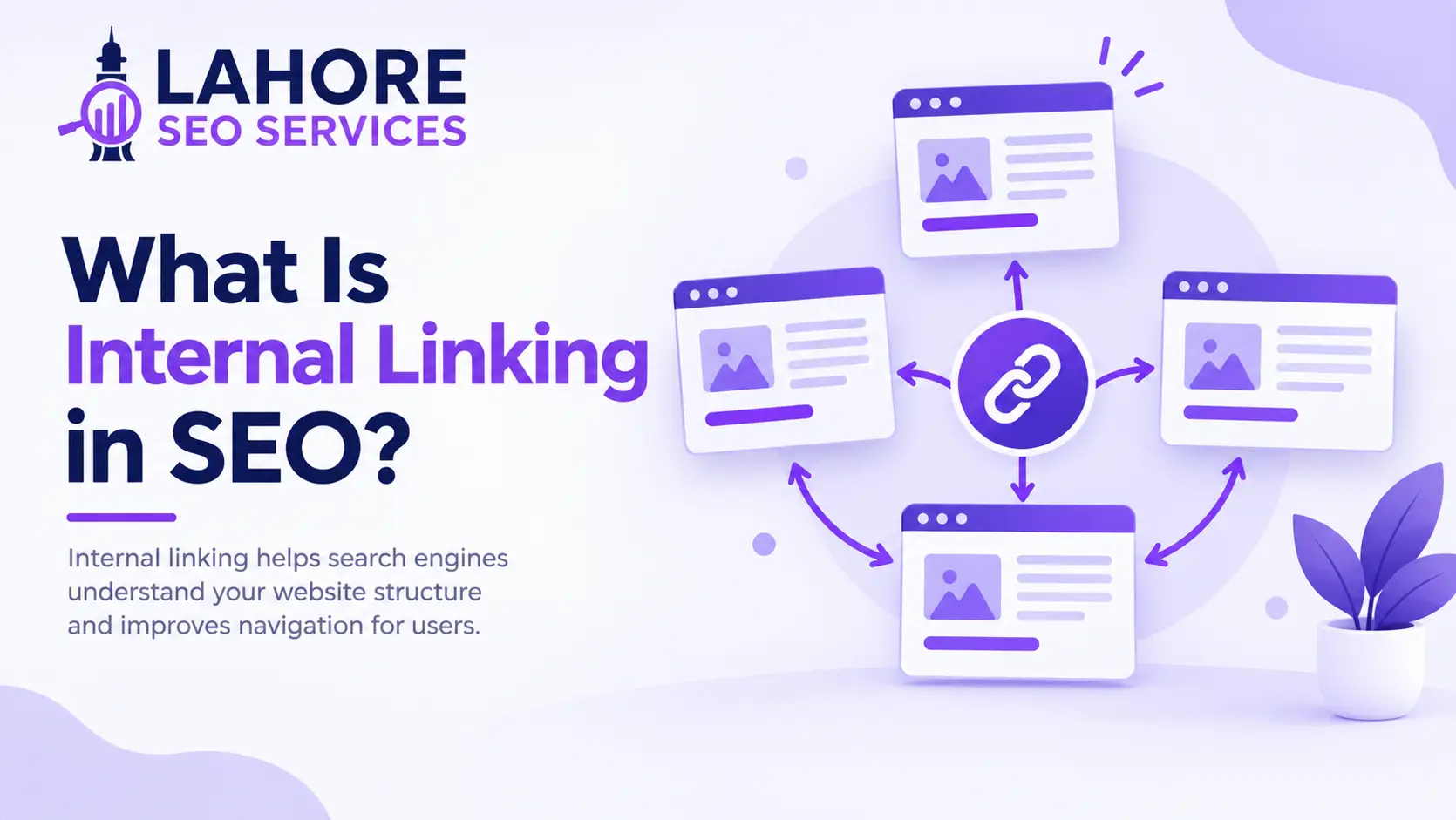
Internal linking in SEO means connecting one page of your website to another page on the same domain through a hyperlink. Internal links help users discover relevant content, help search engines understand site architecture, and distribute authority across important pages.
What Is Internal Linking?
Internal linking is the practice of placing a hyperlink on one page that points to another page on the same website. The source page and target page share the same domain, unlike external links, which connect your website with another domain.
For example, a Lahore SEO Services article about keyword research can link naturally to a separate page about technical SEO audits. The link gives readers a relevant next step while helping search engines understand the relationship between both pages.
Why Is Internal Linking Important for SEO?
Internal linking is important because internal links help search engines discover pages, understand website relationships, distribute internal authority, and identify important content. Internal linking simultaneously supports search visibility and user navigation when links match the user’s information needs.
Crawling and Indexing
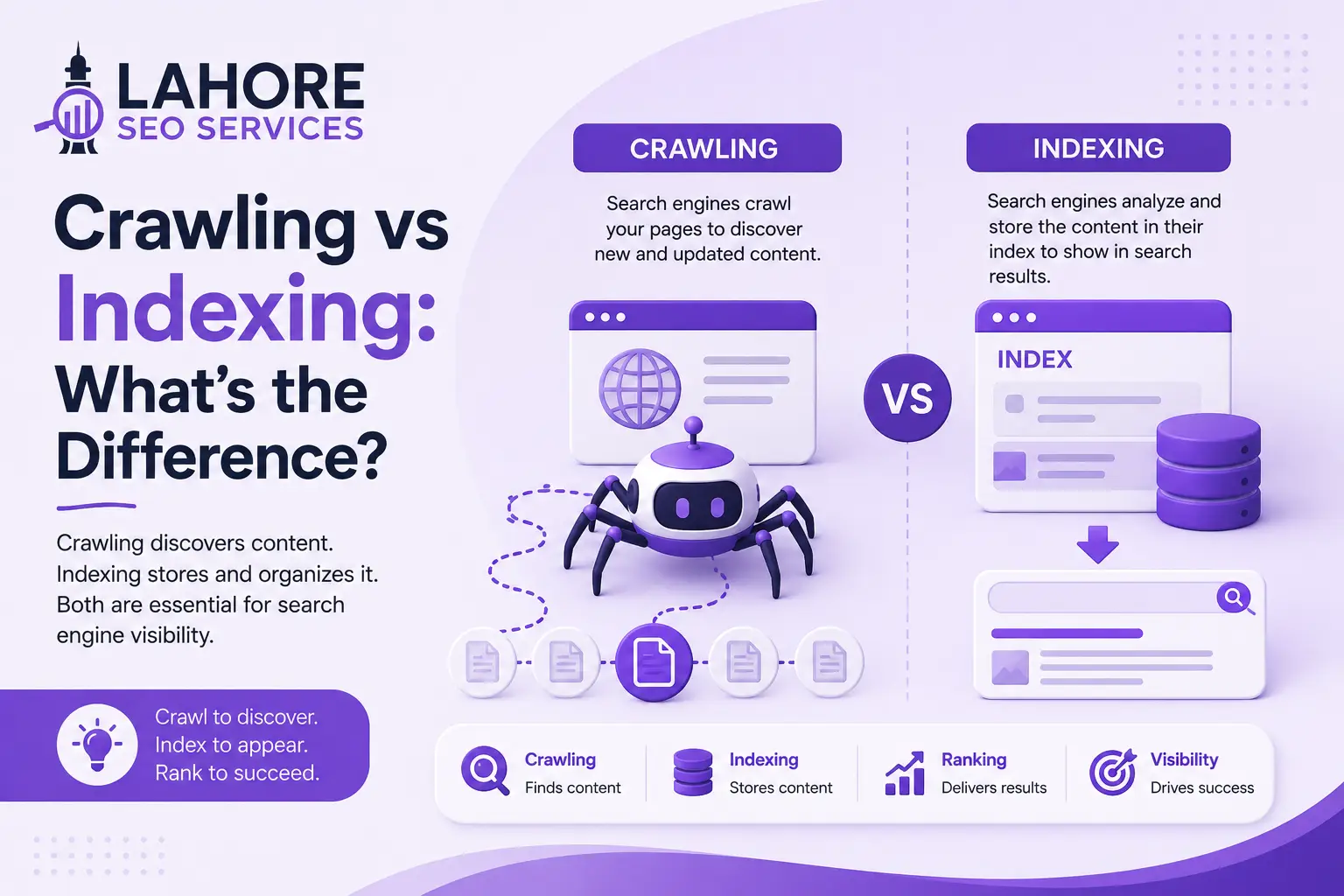
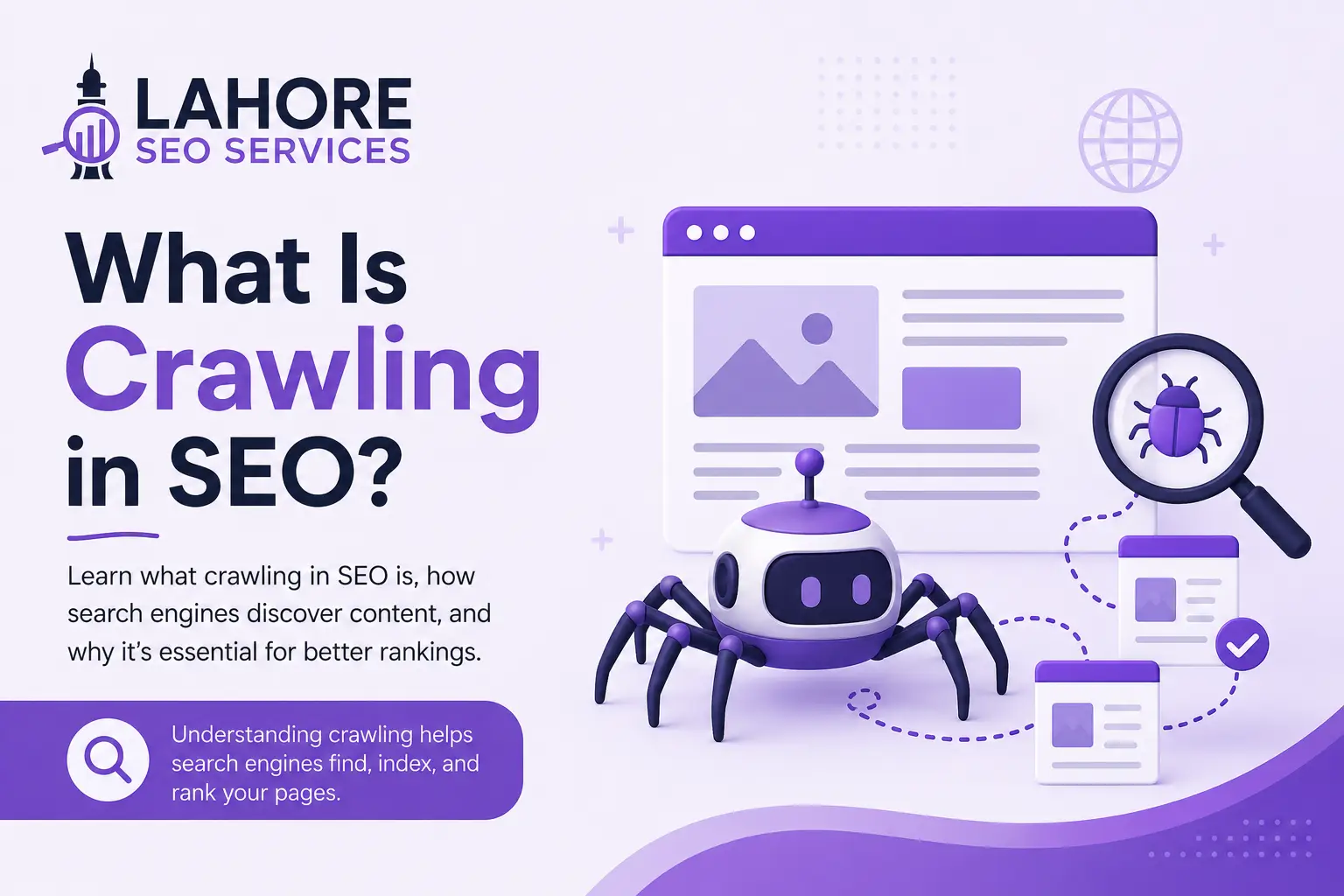
Search engines use links to discover URLs and move between pages. A page with useful internal links becomes easier for crawlers to reach through the website’s existing structure.
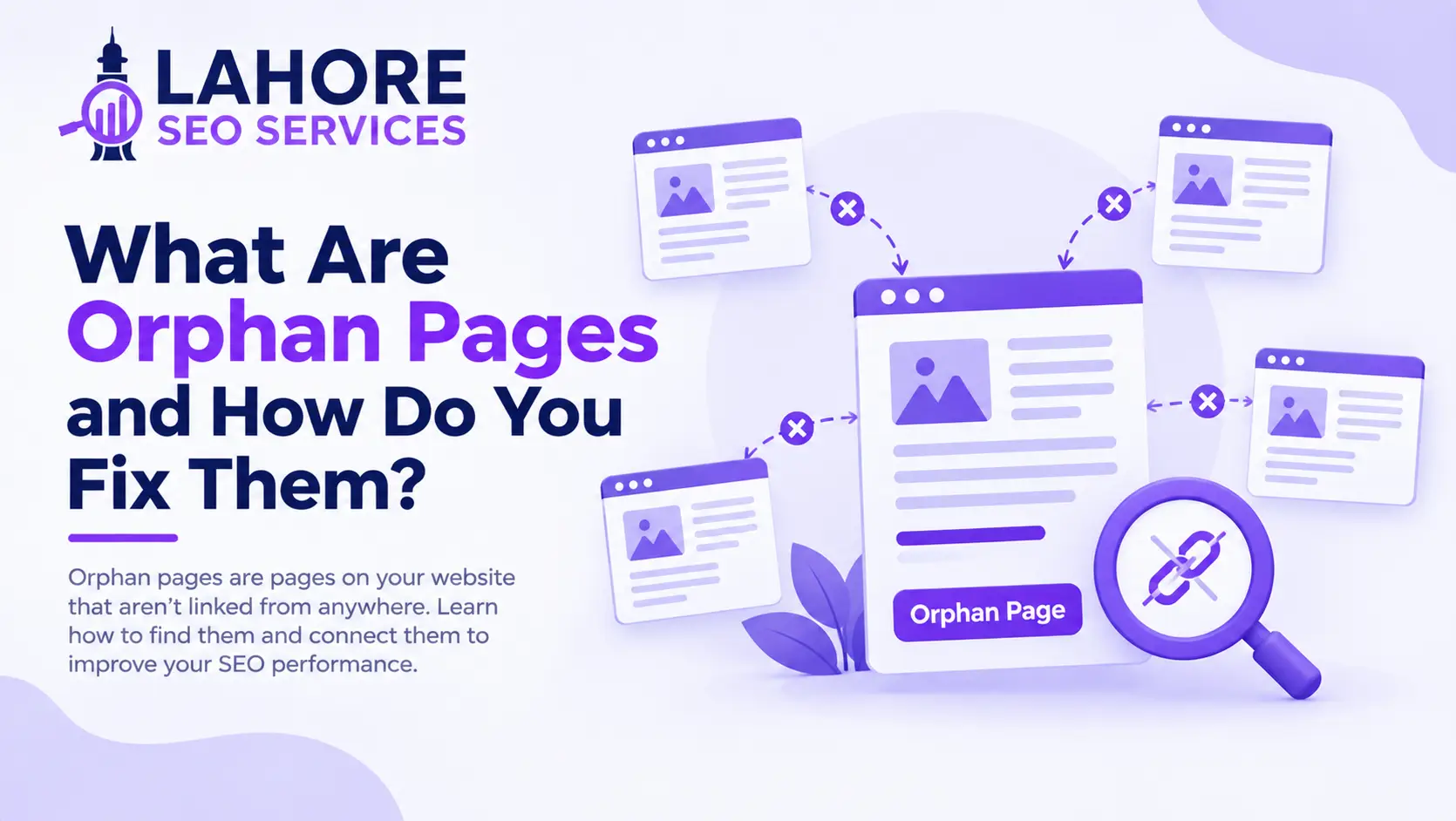
Internal linking can reduce the risk of orphan pages, which are pages with no internal links pointing toward them. Search engines may discover orphan pages through other sources, but a deliberate internal structure provides a clearer route to valuable content.
Distributing Link Equity
Internal links can distribute PageRank and other forms of internal link equity between pages. A page that receives strong external links can provide internal pathways toward relevant pages, allowing authority to flow through the site’s structure.
Helping Users Navigate
Internal links guide visitors toward useful information without requiring visitors to return to the navigation bar or search manually. A service page can link to a relevant case study, a blog post can link to a related service, and a product guide can link to an appropriate category.
Useful internal links can strengthen the user journey because each destination answers a related question or supports the next decision.
What Are the Types of Internal Links?
The main types of internal links are navigation links, contextual links, breadcrumb links, sidebar links, and footer links. Each type serves a different structural or navigational purpose.
Navigation links appear in menus and connect users with major sections of a website. Contextual links appear inside body content and usually provide the strongest topical context because surrounding text explains the destination.
Breadcrumb links show the user’s position within the site hierarchy and connect deeper pages with parent categories. Sidebar links can connect related resources, while footer links commonly point toward essential pages such as contact, privacy, service, and location pages.
How Does Internal Linking Support Site Architecture?
Internal linking creates relationships between pages and helps establish a logical site architecture. A well-structured website connects broad topics with narrower subtopics through predictable, relevant pathways.
A typical service website might connect the home page to core service pages, service pages to supporting guides, and supporting guides to related services. An ecommerce website might connect the home page to categories, categories to subcategories, and subcategories to individual products.
How Should You Use Anchor Text?
Use concise, descriptive anchor text that accurately explains the destination page. Anchor text is the clickable text within an internal link, and clear wording gives users and search engines useful context about the linked URL.
Instead of generic phrases such as “click here” or “read more,” use descriptive wording such as “technical SEO audit” when the destination provides a technical SEO audit service or guide. Partial-match wording often works naturally when exact-match wording would make the sentence awkward.
Do not use one identical anchor phrase for every link to a page, and do not use unrelated keywords to manipulate relevance. Anchor text should describe the destination accurately and fit the surrounding sentence.
How Do You Build Topic Clusters With Internal Links?
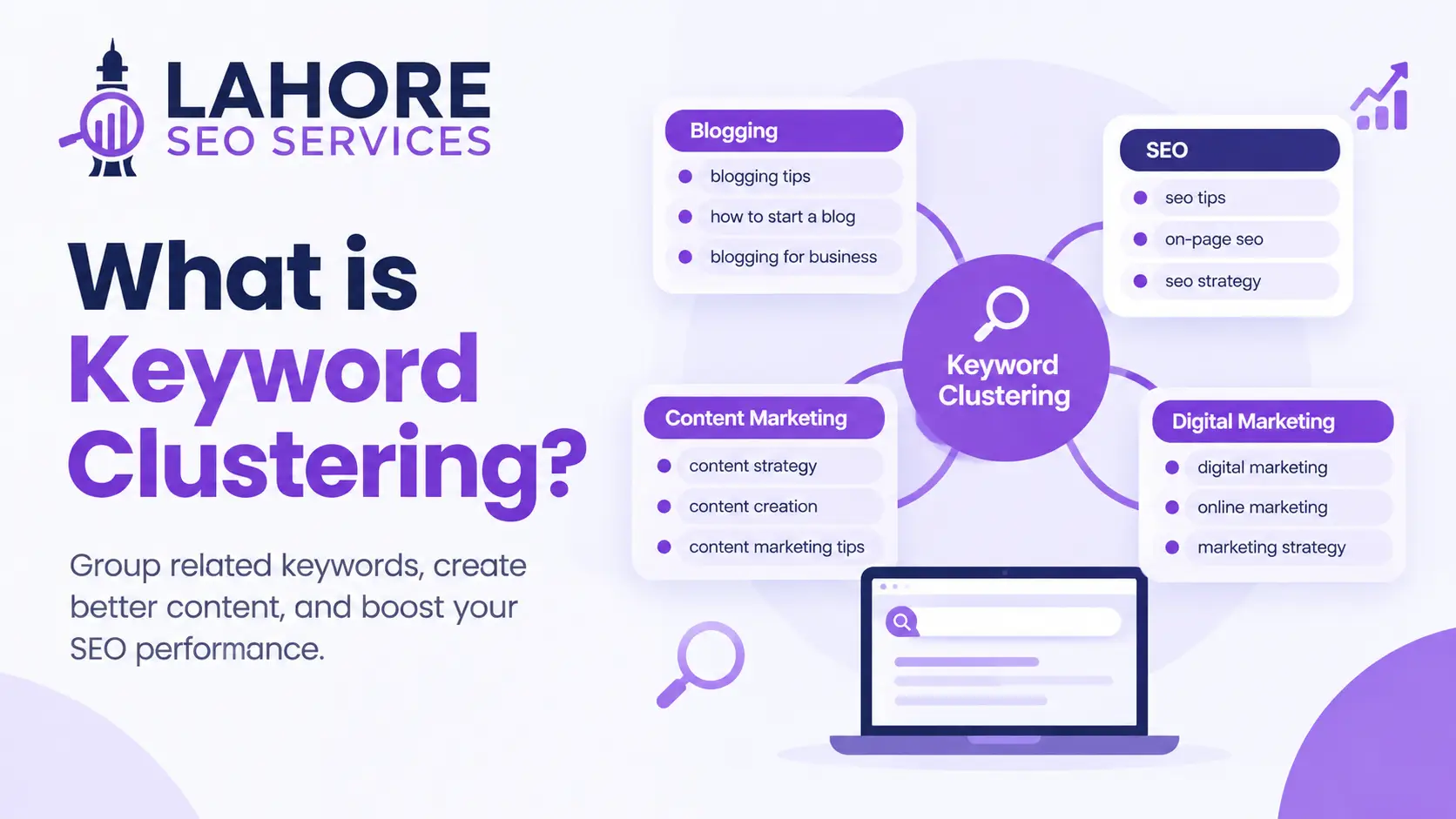
Build topic clusters by connecting a central page with closely related supporting pages and linking relevant supporting pages to one another. This structure helps search engines identify topical relationships and helps visitors move between related resources.
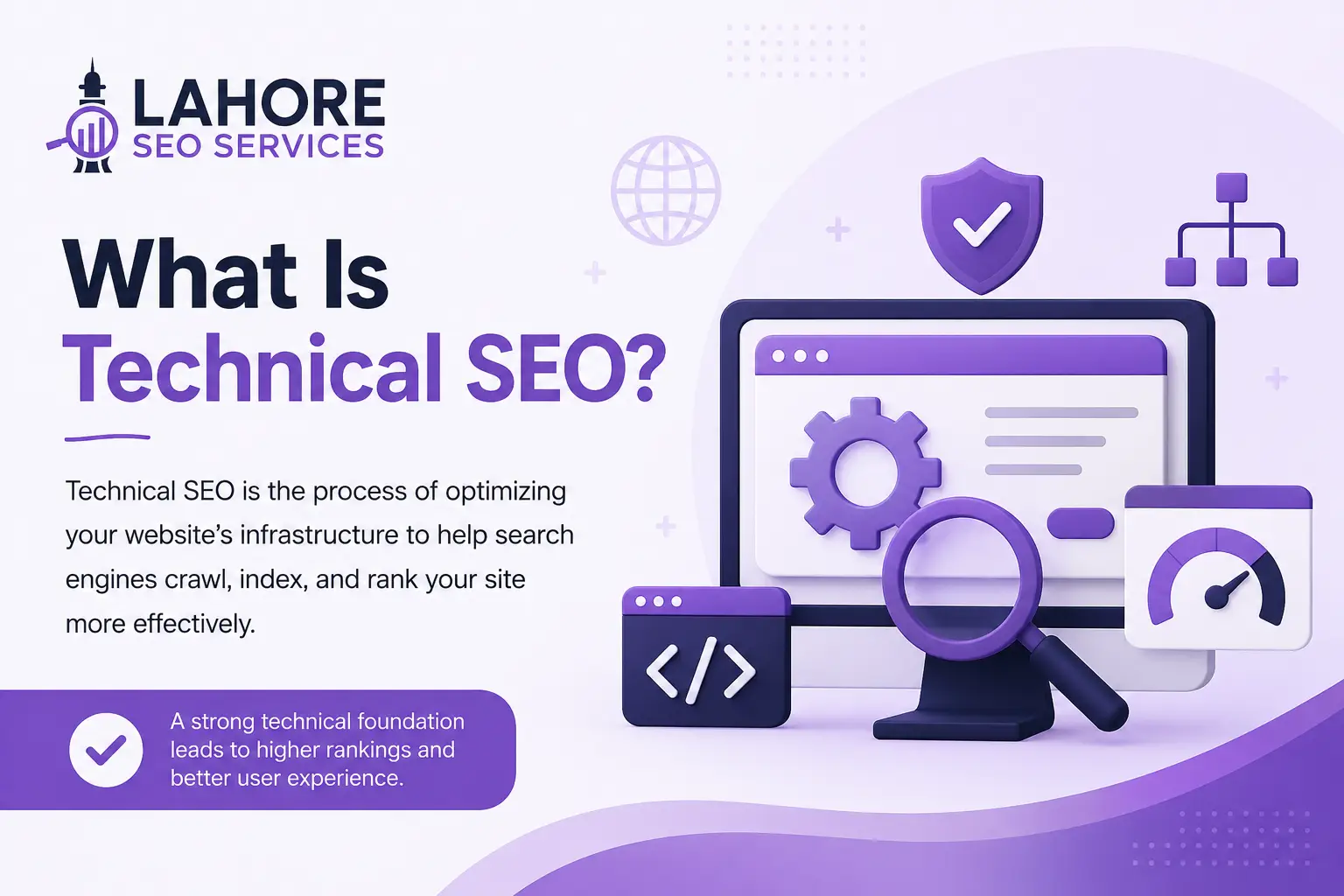
Suppose a website has a central page about technical SEO. Supporting articles can cover crawling, indexing, canonical tags, structured data, Core Web Vitals, and technical audits. Relevant articles can link back to the central resource and connect to other closely related articles where the reader needs additional detail.
Topic clusters should follow genuine topical relationships rather than a fixed number of links. The objective is to make the subject structure clear, not to manufacture links.
How Many Internal Links Should You Add?
There is no universal number of internal links that every page should contain. Add enough links to connect important, relevant resources while keeping the page easy to read and navigate.
A short informational article may need only a few contextual links, while a comprehensive guide may naturally contain more. Link count should depend on content length, topic complexity, page purpose, and the number of genuinely useful destinations.
Avoid adding links solely to reach a target number. Excessive linking can distract readers and weaken the clarity of the page’s most important pathways.
Where Should Internal Links Be Placed?
Place important internal links where users can naturally notice and use them, especially within relevant main-content sections. Contextual placement gives the destination page topical meaning through the surrounding content.
Links in navigation and breadcrumbs remain valuable for structure, while footer links can support access to essential pages. A link should not appear in a paragraph merely because a keyword matches the target URL.
Prioritize links that answer a related question, explain a technical term, support a commercial decision, or provide the next relevant resource.
What Internal Linking Mistakes Should You Avoid?
Avoid broken links, irrelevant destinations, orphan pages, generic anchor text, excessive links, and unnecessary redirects in your internal linking structure. These problems can reduce usability and make site relationships harder to interpret.
Common mistakes include linking a blog post to unrelated services, leaving newly published pages without contextual links, using vague anchor text, creating multiple competing links with unclear purpose, and retaining links to deleted URLs.
Review internal links after URL changes. When a destination has moved permanently, update existing internal links to the current URL instead of relying on redirects wherever practical. Avoid unnecessary internal nofollow attributes when you want normal search engine crawling and authority flow.
How Do You Audit Internal Links?
Audit internal links by crawling the website and reviewing link destinations, anchor text, status codes, orphan pages, and important page relationships. A structured audit shows where internal linking supports the site and where gaps need attention.
Start by identifying important commercial pages, high-performing articles, new content, and pages that receive strong external links. Check whether relevant pages link toward those targets.
Then review broken internal URLs, redirecting destinations, duplicate pathways, orphan pages, excessive sitewide links, and weak anchor text. Tools such as Google Search Console, Screaming Frog, Ahrefs, and Semrush can help identify technical and structural opportunities.
How Can You Create an Effective Internal Linking Strategy?
Create an effective strategy by mapping important pages, grouping related topics, selecting relevant destinations, writing descriptive anchors, and auditing the structure regularly. Strategy should connect business priorities with genuine user needs.
Start with your most important service, category, product, and informational pages. Identify supporting content for each topic and establish logical connections between central and supporting URLs.
When publishing new content, review older relevant pages and add contextual links toward the new resource. Review the new resource itself and link toward established pages that provide useful context.
What Makes an SEO-Friendly Internal Link Structure?
An SEO-friendly internal link structure is crawlable, relevant, descriptive, logically organized, and useful to visitors. Every important indexable page should have a sensible path through the website rather than depending on isolated URLs.
Keep major pages accessible through primary navigation or relevant contextual pathways. Use breadcrumbs where hierarchical depth makes breadcrumbs useful. Maintain consistent category relationships and avoid unnecessary structural complexity.
An HTML sitemap can provide another discovery pathway on large websites, but an HTML sitemap should support rather than replace logical navigation and contextual linking. The robots meta tag should not be used to hide valuable pages merely because internal linking is incomplete.
How Does Internal Linking Help Business Pages?
Internal linking can direct relevant visitors from informational content toward commercial pages such as services, products, consultations, and contact pages. The strongest commercial links match the user’s current intent rather than interrupting unrelated content.
A blog article about local SEO can naturally connect to a local SEO service page. A guide about technical website problems can connect to an SEO audit service when the service genuinely solves the described problem.
This approach supports both discovery and conversion because readers can move from learning about a problem to reviewing a relevant solution without leaving the website.
Internal Linking Best Practices
Use these practices when reviewing your website’s internal linking:
- Link only to destinations that provide genuine value to the current page.
- Use concise anchor text that describes the destination accurately.
- Connect new pages with relevant established pages.
- Link important pages from authoritative, relevant content.
- Maintain logical category and topic relationships.
- Fix broken internal links and update outdated destinations.
- Reduce unnecessary redirect paths inside internal links.
- Check orphan pages during every major content audit.
- Use breadcrumbs where they clarify site hierarchy.
- Review internal links after major URL, navigation, or content changes.
Final Thoughts
Internal linking is a controllable part of SEO that affects crawling, discovery, page relationships, internal authority distribution, navigation, and user journeys. A successful structure does not depend on adding the highest possible number of links. Success comes from creating relevant connections between pages that serve clear search and business purposes.
If you are asking what is internal linking because your website has weak navigation, orphan pages, unclear topic relationships, or underperforming commercial URLs, begin with an internal link audit. Map important pages, identify relevant source pages, improve anchor text, connect topic clusters, and monitor structural changes.
For businesses that need a scalable internal linking strategy, Lahore SEO Services can evaluate site architecture, content relationships, anchor text, and internal link opportunities as part of a broader SEO process.
Frequently Asked Questions
Why is internal linking important for SEO?
Internal linking is important for SEO because internal links help search engines discover URLs, understand site architecture, distribute internal authority, and identify relationships between pages. Internal links further help visitors reach relevant information and commercial pages through clear, contextual navigation.
How many internal links should a page have?
A page should have as many internal links as users need to access relevant resources, because no universal link count applies to every page. Link quantity should reflect content length, topic complexity, page purpose, and available relevant destinations.
How do you create an effective internal linking strategy?
Create an effective internal linking strategy by mapping important pages, grouping related topics, identifying relevant source pages, writing descriptive anchor text, connecting new and established content, fixing broken links, and auditing orphan pages and structural gaps regularly.
What is the best anchor text for internal links?
The best anchor text accurately describes the linked page in concise, natural language. Use relevant keywords or partial-match phrases when appropriate, avoid vague wording, and vary phrasing naturally when multiple links point toward the same destination without sacrificing clarity.