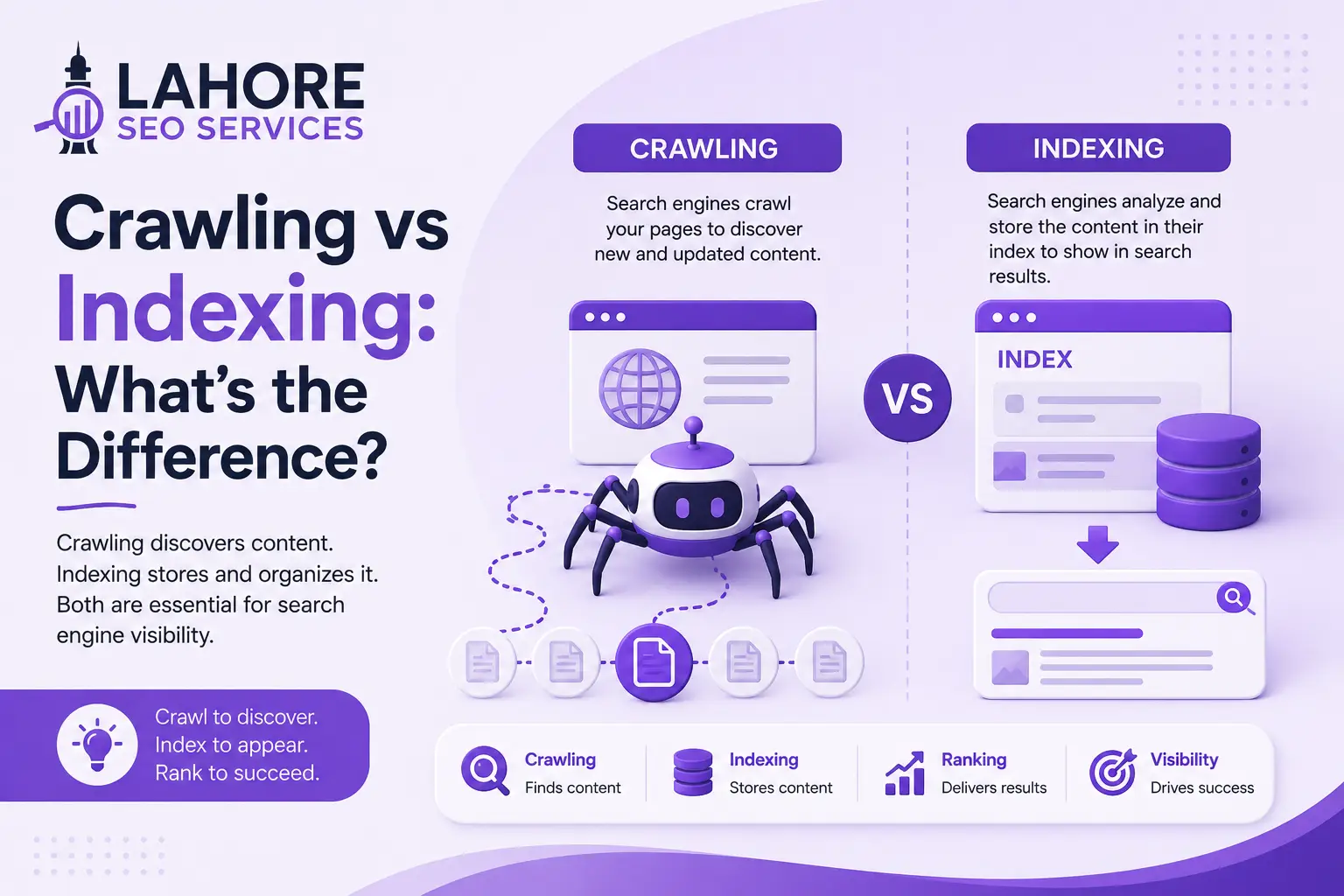
Crawling and indexing are two distinct stages that determine whether search engines can discover, understand, store, and later retrieve your web pages. Crawling finds and fetches URLs, while indexing analyzes the fetched content and stores eligible information in a search engine’s index. Understanding crawling vs indexing helps you diagnose why a page exists on your website but does not appear in search results.
For businesses using Lahore SEO Services, this distinction matters because technical SEO starts before rankings. A strong page needs accessible URLs, useful content, clear internal links, correct directives, and a reliable website. A ranking cannot occur when search engines cannot access or retain the page.
What Is Crawling in SEO?
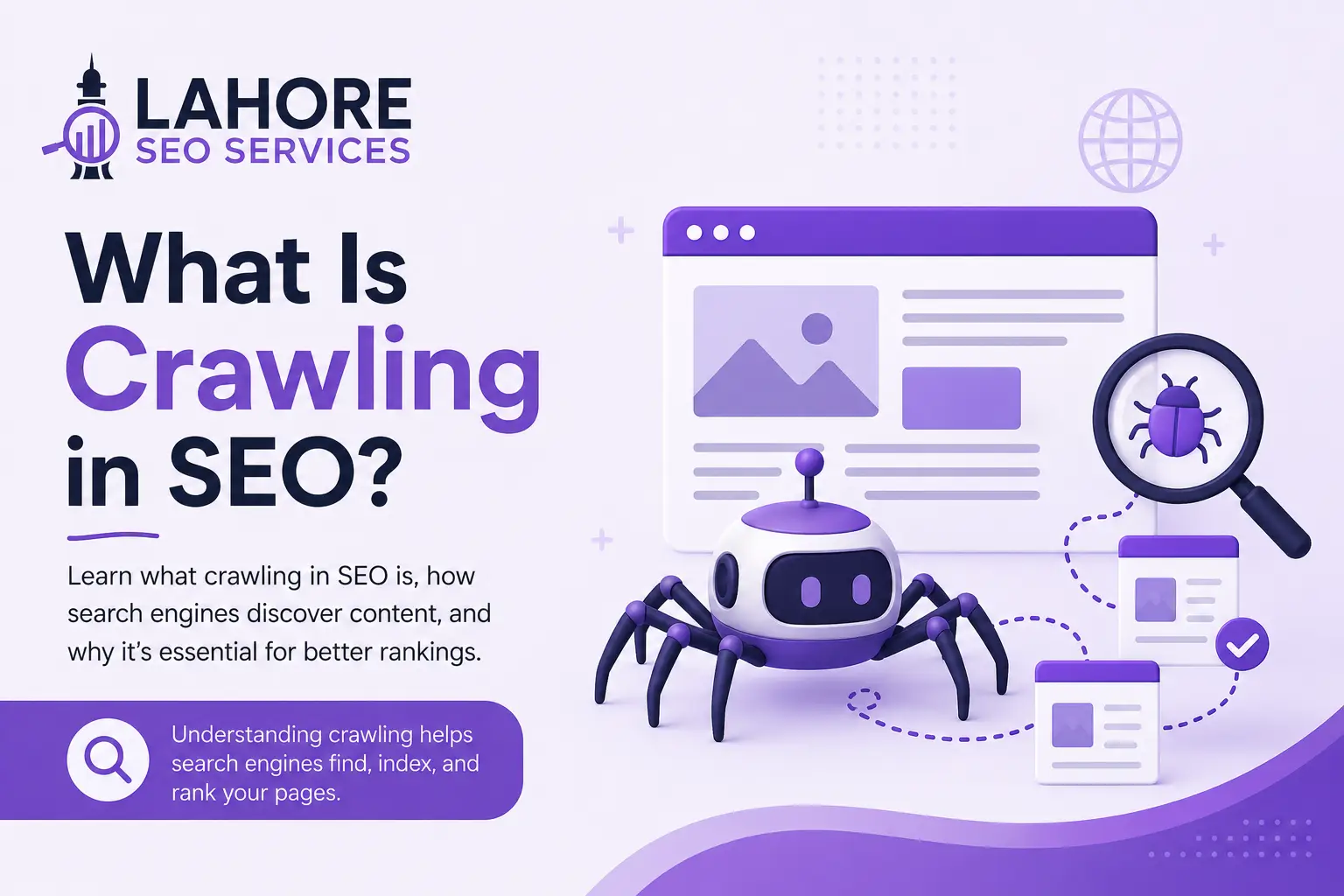
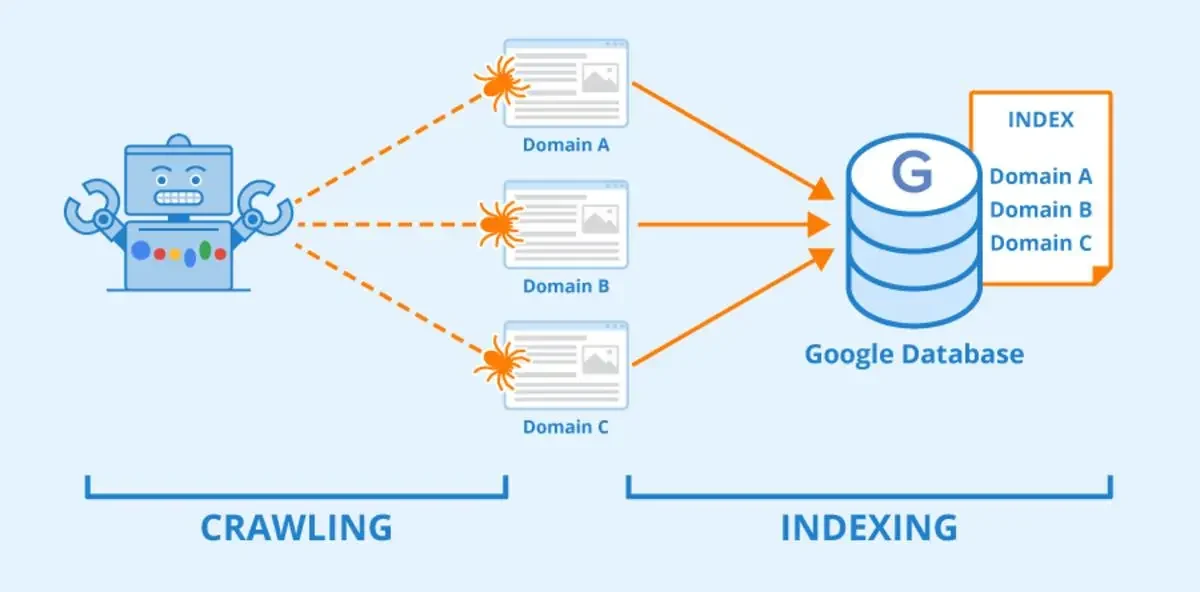
Crawling is the process through which search engine crawlers discover URLs and fetch their content. Google uses automated crawlers such as Googlebot to revisit known URLs, follow links, process sitemaps, and discover new or updated pages.
Crawling begins with URL discovery. Search engines can discover a URL through internal links, external links, XML sitemaps, and previously known URLs. After discovery, a crawler decides when and how to fetch the URL based on available resources and the website’s technical conditions.
During fetching, Googlebot requests resources such as HTML, CSS, JavaScript, images, and other files needed to understand the page. Rendering can then process JavaScript-dependent content so Google can understand the resulting page more accurately.
Crawling does not guarantee indexing. A crawler can access a page successfully while the search engine later decides not to include the page in its index.
How Does the Googlebot Crawling Process Work?
The Googlebot crawling process generally involves URL discovery, fetching, and rendering. Each stage helps Google obtain enough information to understand a URL and determine what happens next.
URL discovery identifies pages Google does not currently know or pages that require another visit. Internal links and XML sitemaps provide important discovery signals. A logical site architecture helps Google reach important URLs through a reasonable number of links.
Fetching retrieves the page and its accessible resources. Server availability, response codes, redirects, network performance, and resource accessibility can affect whether Google obtains the expected content.
Rendering processes the page after fetching, especially when JavaScript changes visible content or page structure. A page that depends heavily on client-side JavaScript needs a technically sound implementation so important content remains accessible to search engines.

What Is Indexing in SEO?
Indexing is the process through which a search engine analyzes information from a crawled page and stores eligible content in its index. The index allows the search engine to retrieve relevant pages when users submit queries.
During indexing, Google analyzes page content, structured information, links, language, duplicate relationships, canonical signals, and other page-level information. Google can select a canonical URL when several URLs contain substantially similar content.
Indexing does not mean a page will rank highly. An indexed page becomes eligible for search visibility, but ranking systems determine which eligible pages appear for particular queries and in what positions.
A page can therefore be crawled without being indexed, and a page can be indexed without ranking prominently. These distinctions are essential when you diagnose SEO performance.
Crawling vs Indexing: What Is the Difference?
The difference between crawling and indexing is their function within search engine processing. Crawling discovers and fetches a URL, while indexing evaluates information from the fetched page and stores eligible information for retrieval.
Crawling answers, “Can the search engine access and discover this URL?” Indexing answers, “Should information from this URL be stored and made eligible for retrieval?”
The sequence is straightforward:
- URL discovery identifies a page.
- Crawling fetches the page and relevant resources.
- Rendering may process JavaScript-dependent content.
- Indexing analyzes and stores eligible information.
- Ranking determines how eligible content can appear for specific searches.
The sequence does not mean every crawled URL automatically enters the index. Search engines make indexing decisions based on technical signals, content, duplication, canonicalization, and other systems.
Crawling vs Indexing in SEO: Why the Difference Matters
Crawling vs indexing matters because different problems require different solutions. A blocked URL presents a crawling problem, while a crawled page with a noindex directive presents an indexing problem.
This separation guides diagnosis.
If Google cannot access a page, improving the page’s content alone does not solve the access problem. You need to inspect robots.txt, server responses, redirects, authentication requirements, internal links, and resource availability.
If Google can crawl a page but does not index the page, investigate content quality, duplication, canonical signals, noindex directives, and overall site structure. Google Search Console can help you identify the status associated with individual URLs.
What Controls Crawling?
Several technical elements influence how efficiently search engines discover and fetch your URLs. The most important elements include robots.txt, XML sitemaps, internal linking, server reliability, URL structure, and site performance.
Robots.txt
The robots.txt file provides crawl rules for specified user agents. A Disallow directive can prevent crawlers from accessing matching URLs. Robots.txt is therefore a crawling control, not a reliable method for removing a page from the search index.
Use robots.txt carefully because blocking a URL can prevent Google from fetching the page and seeing content or directives placed on that page.
XML Sitemap
An XML sitemap lists URLs that you want search engines to discover. A sitemap does not force crawling or indexing, but it provides an additional discovery signal, especially for new, updated, or internally isolated pages.
Internal Linking
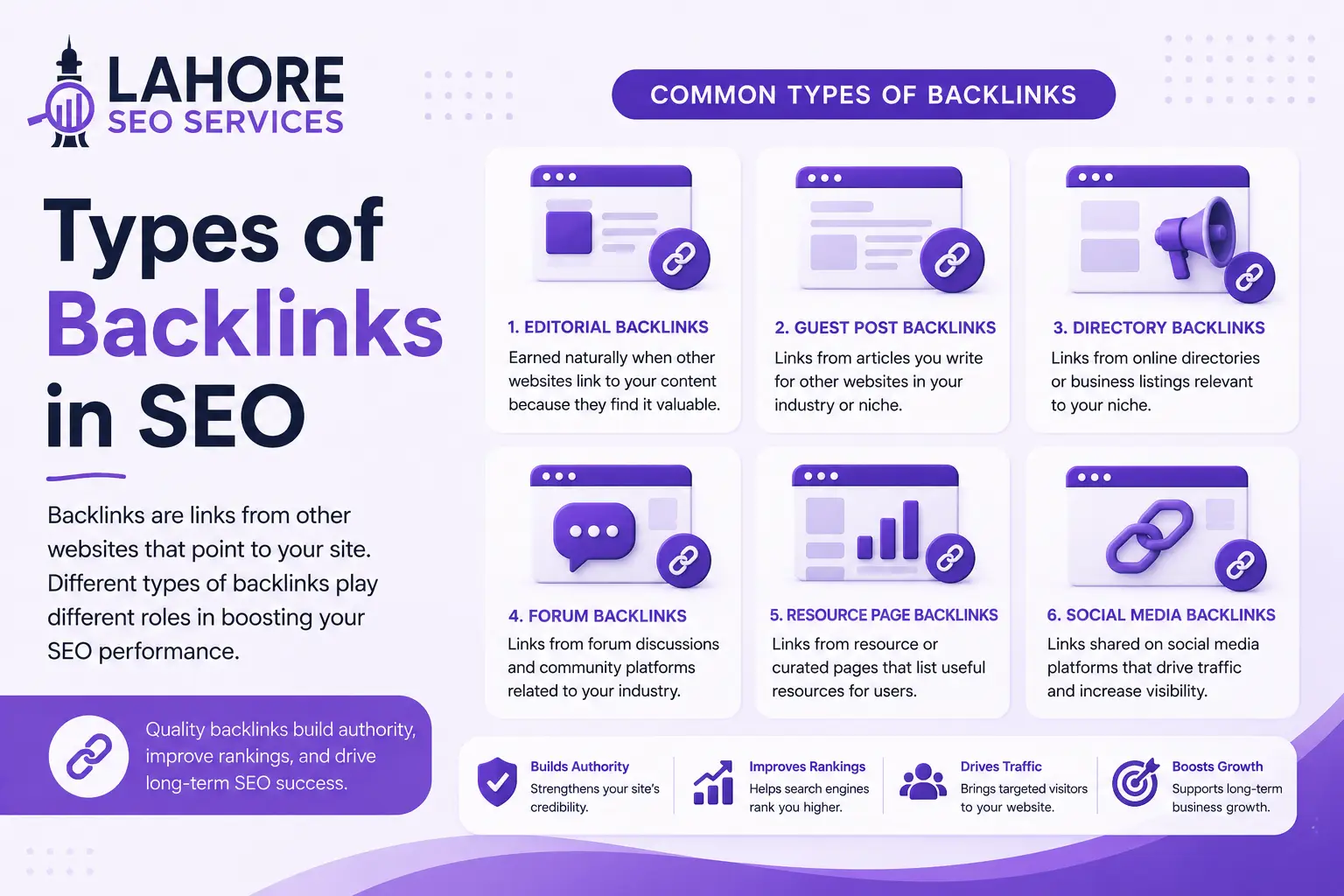
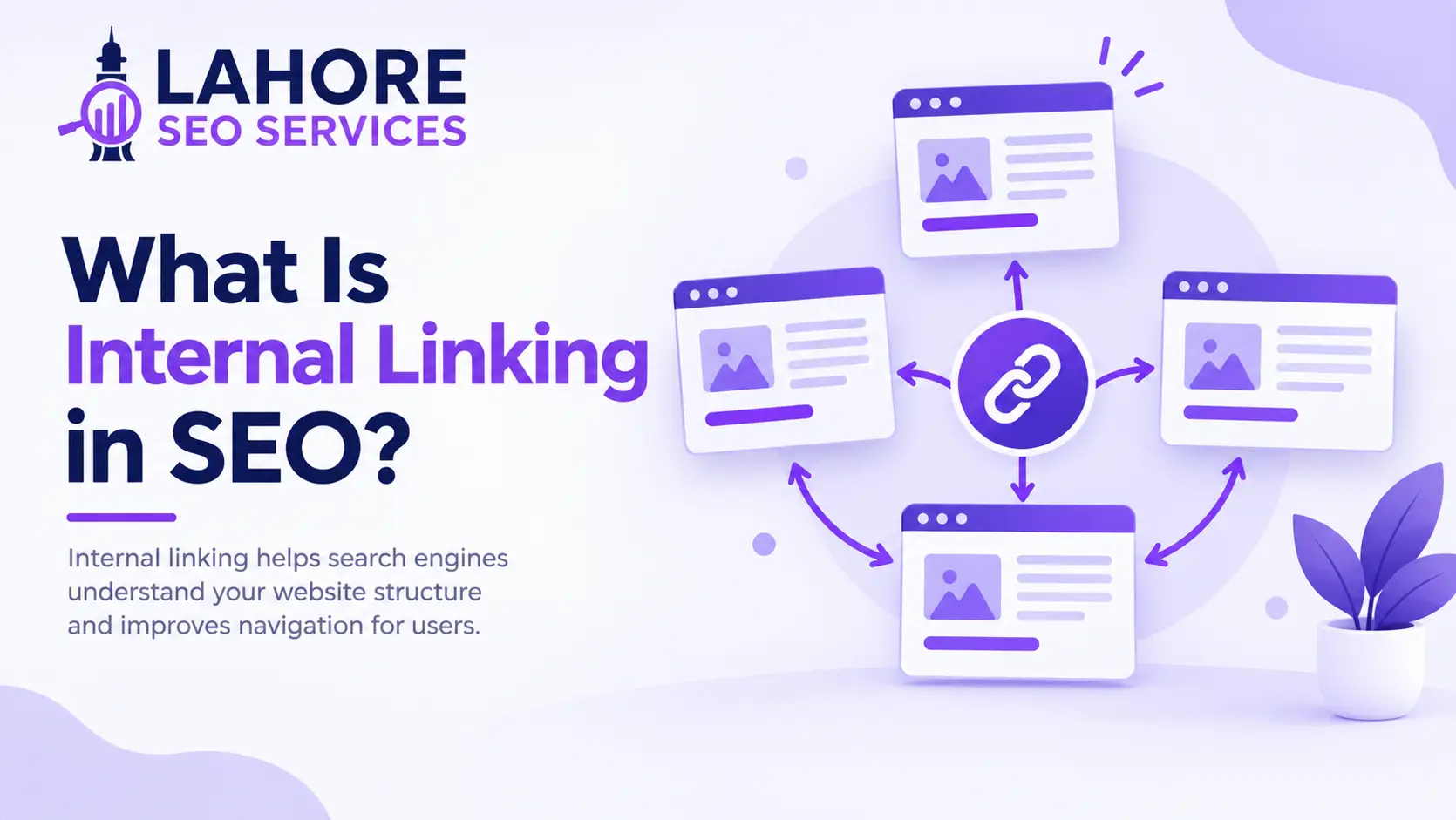
Internal links help search engines discover related URLs and understand site structure. Important pages should have clear paths from other relevant pages, rather than existing as isolated URLs with no meaningful internal links.
What Controls Indexing?
Indexing depends on whether search engines can access the content and whether the content is eligible and useful enough to retain in the index. Important controls include noindex directives, canonicalization, duplicate content, content quality, and technical accessibility.
A noindex directive tells search engines not to include a page in their index. If a page should appear in search results, verify that the page does not contain an unintended noindex directive.
Canonical tags communicate the preferred URL among duplicate or substantially similar versions. Canonical signals help search engines understand which URL should represent a group of similar pages, but search engines can choose a different canonical when their systems determine that another URL is more appropriate.
Duplicate content can create indexing complications when multiple URLs provide substantially similar information. Consolidating unnecessary duplicates and strengthening unique page value creates a clearer indexation structure.
Why Is a Page Crawled but Not Indexed?
A page can be crawled but not indexed because crawling and indexing are separate decisions. Common causes include duplicate or substantially similar content, low-value content, incorrect canonical signals, noindex directives, and technical inconsistencies.
The Google Search Console status “Crawled – currently not indexed” means Google crawled the URL but did not currently add the URL to the index. The status does not prove a permanent exclusion.
Start with URL Inspection and verify the page’s index status, canonical information, crawl accessibility, and relevant indexing directives. Then assess whether the page provides distinct value compared with other URLs on your website.
Do not create near-identical pages solely to target small keyword variations. Build pages around distinct search intent and provide information that deserves a separate URL.
Why Is a Page Discovered but Not Indexed?
“Discovered – currently not indexed” indicates that Google knows about a URL but has not crawled the URL at the time represented by the status. The condition can occur when Google has not yet selected the URL for crawling or when crawling resources are constrained.
Improve discovery paths by adding relevant internal links and maintaining an accurate sitemap. Check server reliability and page accessibility as well. If the URL contains valuable, unique content, make the URL easy to reach from relevant indexed pages.
Requesting indexing through URL Inspection can be useful for an important URL, but repeated requests do not guarantee indexing. Technical and content problems require actual correction rather than repeated submission.
How to Fix Crawling Problems
To fix crawling problems, verify access before changing content. Start with Google Search Console and inspect the affected URL.
Check these areas:
- Confirm the URL returns the intended HTTP status.
- Check robots.txt for unintended Disallow rules.
- Verify internal links point to the correct canonical URL.
- Confirm the page does not require authentication.
- Fix redirect chains, broken links, and server errors.
- Ensure important resources remain accessible.
- Keep the XML sitemap current and accurate.
A technical SEO audit can connect these individual findings and identify patterns across the website.
How to Fix Indexing Problems
To fix indexing problems, first determine whether the page is crawlable. Then inspect indexation controls and content quality.
Check for an unintended noindex directive, incorrect canonical URL, duplicate content, weak internal linking, or a page that provides little unique value. Compare the affected URL with competing or related pages and identify information that the page needs to satisfy its intended search intent.
Use clear titles, headings, structured content, descriptive links, and useful original information. These page-level elements are also central to on-page SEO, which focuses on optimizing the content and HTML elements of individual pages. Avoid adding keywords solely to increase keyword frequency because search engines evaluate pages through broader systems.
How to Check Crawling and Indexing
Google Search Console provides practical tools for checking URL-level and site-level search visibility. URL Inspection can show whether Google knows about a URL, whether the URL has been crawled, and whether indexing signals are present.
The Page Indexing report provides broader patterns across URLs. Crawl Stats can provide information about Googlebot activity, response issues, and crawl requests for eligible properties.
Check the actual page as well. A successful Search Console status does not replace manual verification of content, canonical tags, internal links, robots.txt rules, and user accessibility.

How to Improve Your Website for Crawling and Indexing
Build a clean architecture where important pages connect through relevant internal links. Publish an accurate XML sitemap, maintain appropriate robots.txt rules, use canonical tags correctly, and remove accidental noindex directives.
Keep pages technically accessible and make important content available in the rendered page. Fix broken links, redirect problems, server errors, and duplicate URL patterns.
Create original pages for distinct search intents instead of producing multiple URLs with overlapping content. Update important pages when information changes, but do not make artificial edits solely to trigger another crawl.
For businesses that need sustained search visibility, Lahore SEO Services can combine technical SEO, content optimization, internal linking, and performance analysis into a structured SEO process.
Frequently Asked Questions
What is crawling and indexing in SEO?
Crawling discovers and fetches web pages, while indexing analyzes eligible page information and stores it for retrieval. Search engines use crawlers to access URLs, process resources, and gather information before indexing systems determine whether content enters the searchable index.
What is the difference between crawling and indexing?
Crawling is the discovery and fetching stage, while indexing is the analysis and storage stage. A search engine can crawl a URL without indexing the page, so successful crawling does not guarantee that the URL appears in search results.
How does crawling vs indexing work in SEO?
Crawling vs indexing works as connected stages: search engines discover and fetch URLs first, then analyze eligible content for indexing. Ranking systems evaluate indexed pages afterward, which means technical accessibility and index eligibility both affect search visibility.
Why are crawling and indexing important for SEO?
Crawling and indexing are important because search engines need accessible, indexable content before pages can qualify for search visibility. Crawling enables discovery and fetching, while indexing makes eligible page information available to systems that retrieve results for user queries.
How do search engines crawl and index web pages?
Search engines discover URLs through links and sitemaps, fetch accessible resources, process rendered content when necessary, and analyze the resulting information for indexing. Search engines then store eligible information in their indexes so ranking systems can retrieve relevant pages.