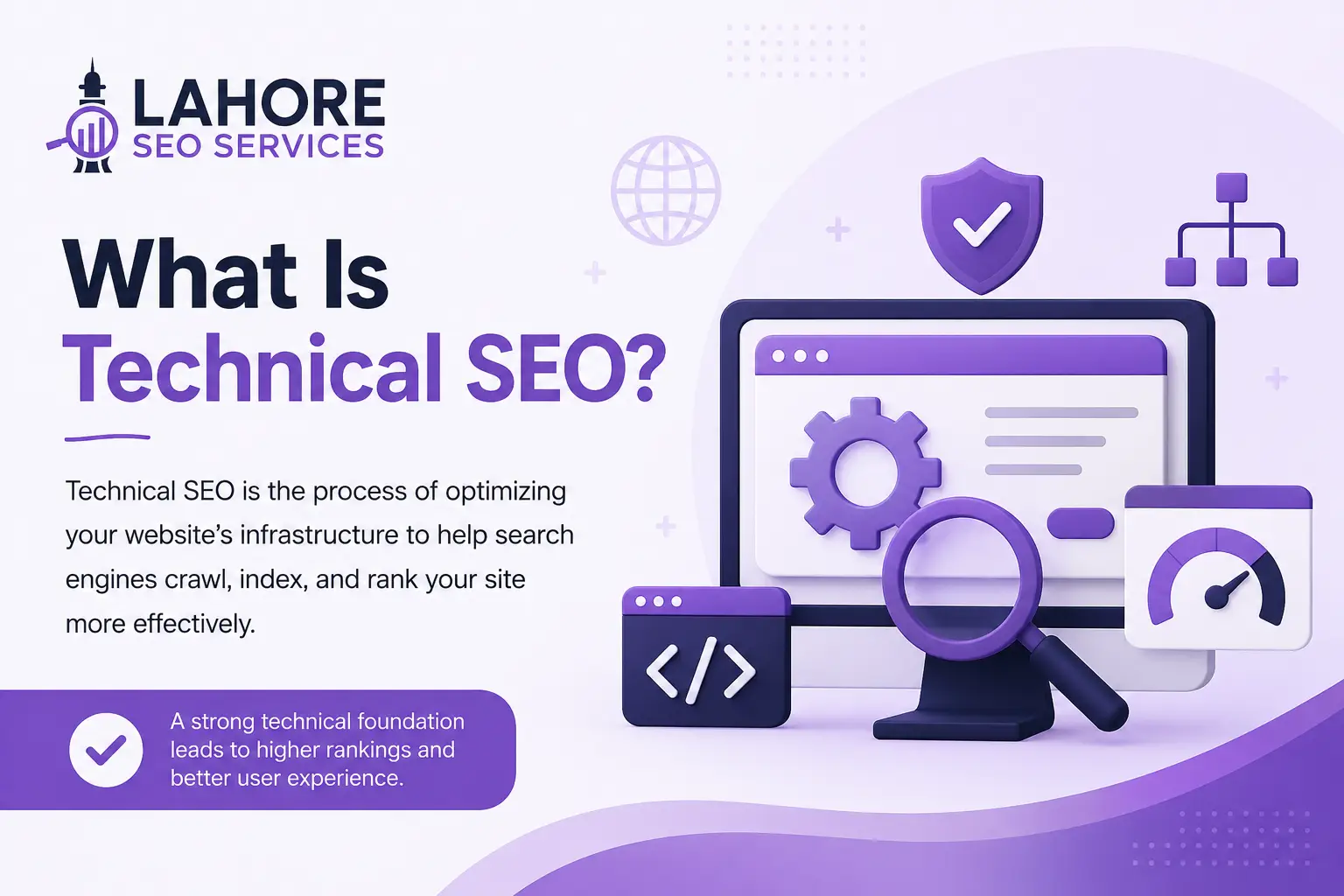
Technical SEO is the process of improving a website’s technical foundation so search engines can crawl, render, understand, and index important pages.
SEO involves more than technical optimization. Content, search intent, internal links, backlinks, and overall website quality also influence organic search performance. Technical SEO works alongside areas such as on-page SEO, internal linking, content optimization, and link building rather than replacing them.
If technical problems prevent search engines from accessing or understanding important pages, even high-quality content may have difficulty appearing in search results.

Key Components of Technical SEO
Technical SEO covers several areas of a website. The most important include:
- Crawlability
- Indexability
- Site architecture
- Internal linking
- Robots.txt
- XML sitemaps
- Canonicalization
- Redirects and status codes
- Page speed and Core Web Vitals
- Mobile optimization
- HTTPS
- Structured data
- JavaScript rendering
- URL management
Let’s look at each area in more detail.
Crawlability
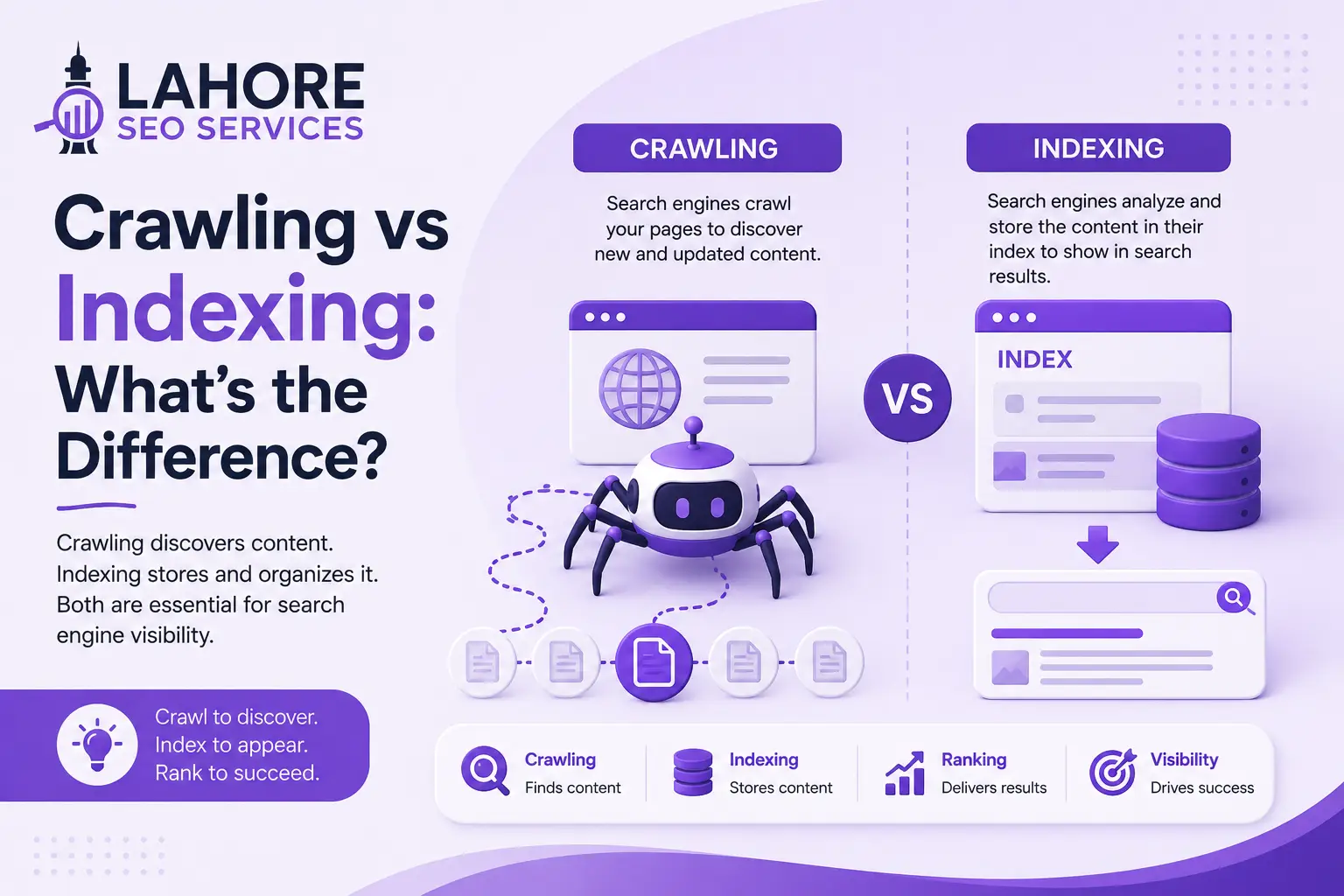
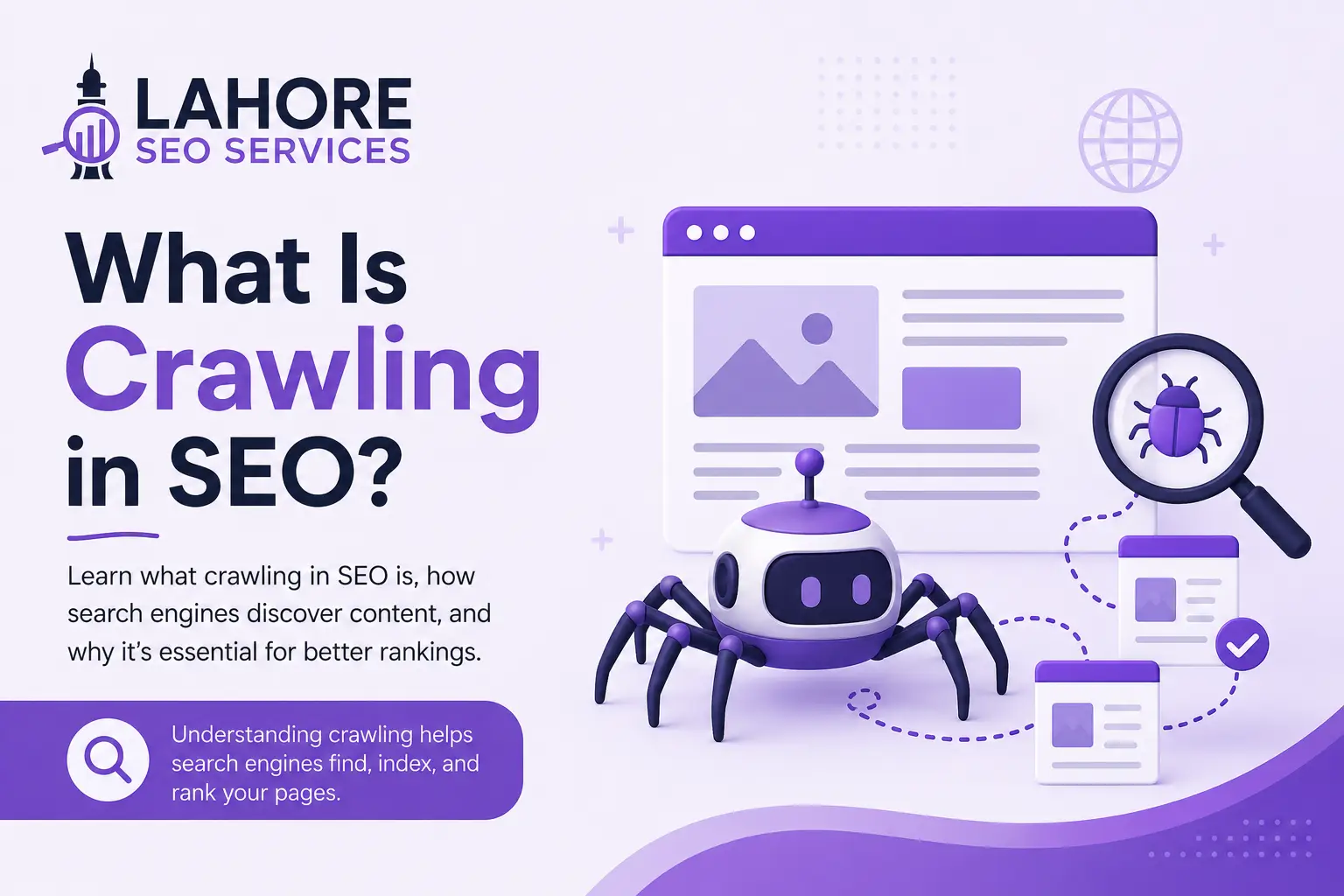
Crawlability refers to how easily search engine crawlers can access the important pages and resources on a website.
Search engines discover URLs through internal links, external links, XML sitemaps, previously known URLs, and other sources. Technical problems can make important pages difficult or impossible to crawl.
Common crawlability problems include:
- Important pages blocked by robots.txt
- Broken internal links
- Poor website architecture
- Long redirect chains
- Server errors
- Excessive URL parameters
- Orphan pages
- Important resources being blocked
- Unnecessary duplicate URLs
A crawlable website gives search engines clear paths to its important content.
During a technical SEO audit, review internal links, crawl paths, HTTP status codes, robots.txt, XML sitemaps, redirects, and unnecessary URL variations.
Indexability
Indexability refers to whether a page can be included in a search engine’s index.
A page can be crawlable but still not be indexable. For example, a page may be accessible to Google but contain a noindex directive that tells search engines not to include it in their index.
Important pages should be checked for:
- noindex directives
- Incorrect canonical tags
- Soft 404s
- Server errors
- Duplicate or near-duplicate URLs
- Incorrect redirects
- Unexpected indexing exclusions
Technical SEO should verify that valuable pages are accessible, indexable, and represented correctly in search engine systems.
Robots.txt
The robots.txt file provides instructions to search engine crawlers about which URL paths they may or may not crawl.
It is primarily a crawl-control mechanism, not a reliable way to remove pages from search results.
For example, blocking a URL in robots.txt does not necessarily remove an already known URL from Google’s index. When a page should not appear in search results, an appropriate noindex directive is generally more suitable when the page can be crawled.
Be especially careful when editing robots.txt. A broad rule can accidentally prevent crawlers from accessing important service pages, product pages, JavaScript, CSS, images, or other resources required to process a website.
XML Sitemaps
An XML sitemap helps search engines discover important URLs on a website.
Sitemaps can be particularly useful for:
- Large websites
- New websites
- E-commerce websites
- Websites with frequently updated content
- Websites with complex architectures
Keep sitemap entries clean and consistent.
Important URLs included in an XML sitemap should generally be:
- Accessible
- Canonical
- Indexable
- Relevant
- Free from redirect or server errors
Avoid including redirected, broken, duplicate, or noindex URLs unless there is a specific technical reason to do so.
Site Architecture
Site architecture describes how the pages on a website are organized and connected.
A logical structure helps users navigate a website while also helping search engines understand the relationships between different sections and pages.
For example, an SEO agency might organize its website as:
Homepage → Services → Technical SEO → Technical SEO Audit
A clear architecture can:
- Make important pages easier to discover
- Improve navigation
- Establish logical relationships between pages
- Reduce unnecessary URL depth
- Make website management easier
Review your site architecture whenever you add major sections, launch new services, change navigation, or reorganize URLs.
Internal Linking
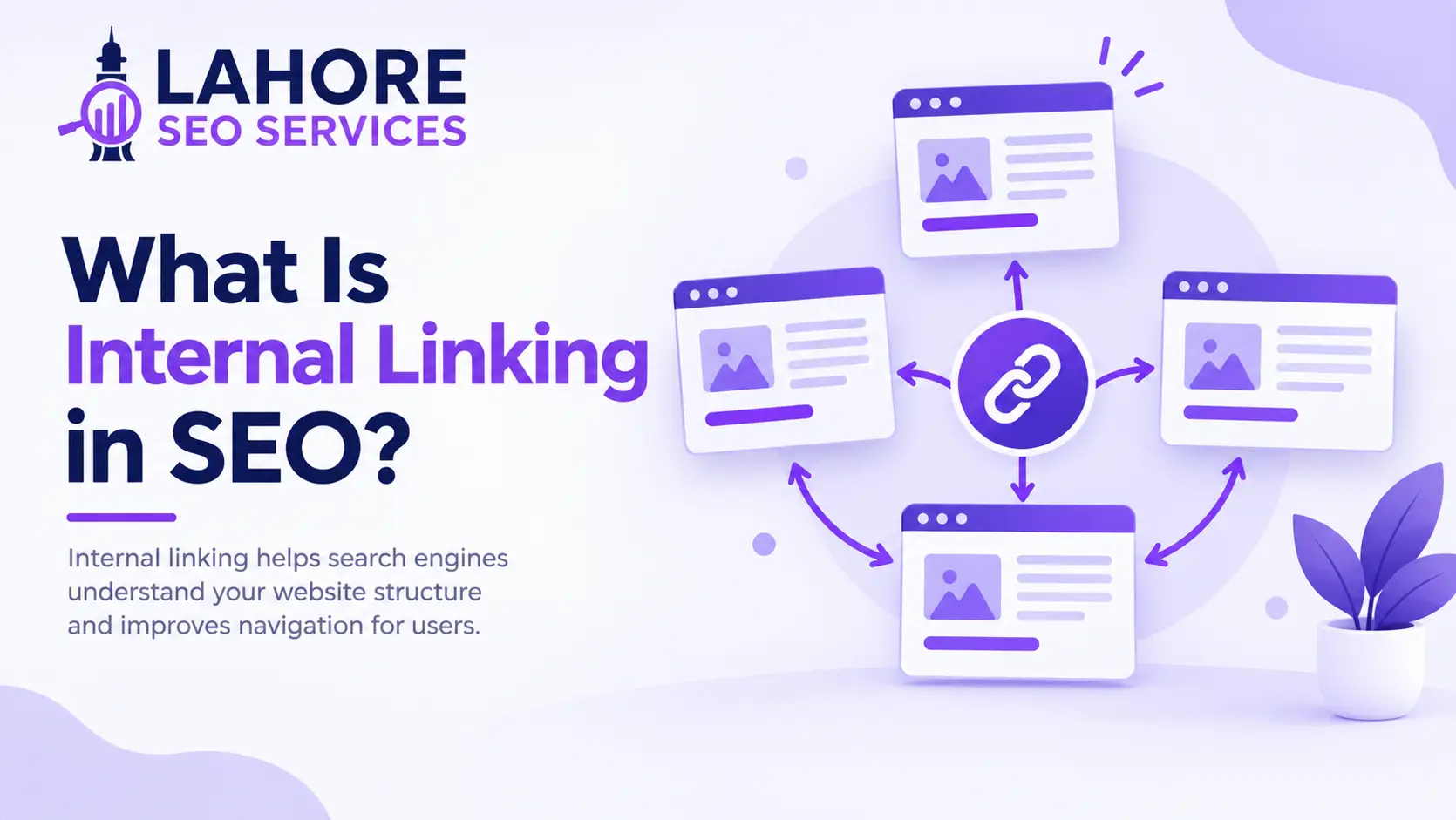
Internal links connect pages within the same website.
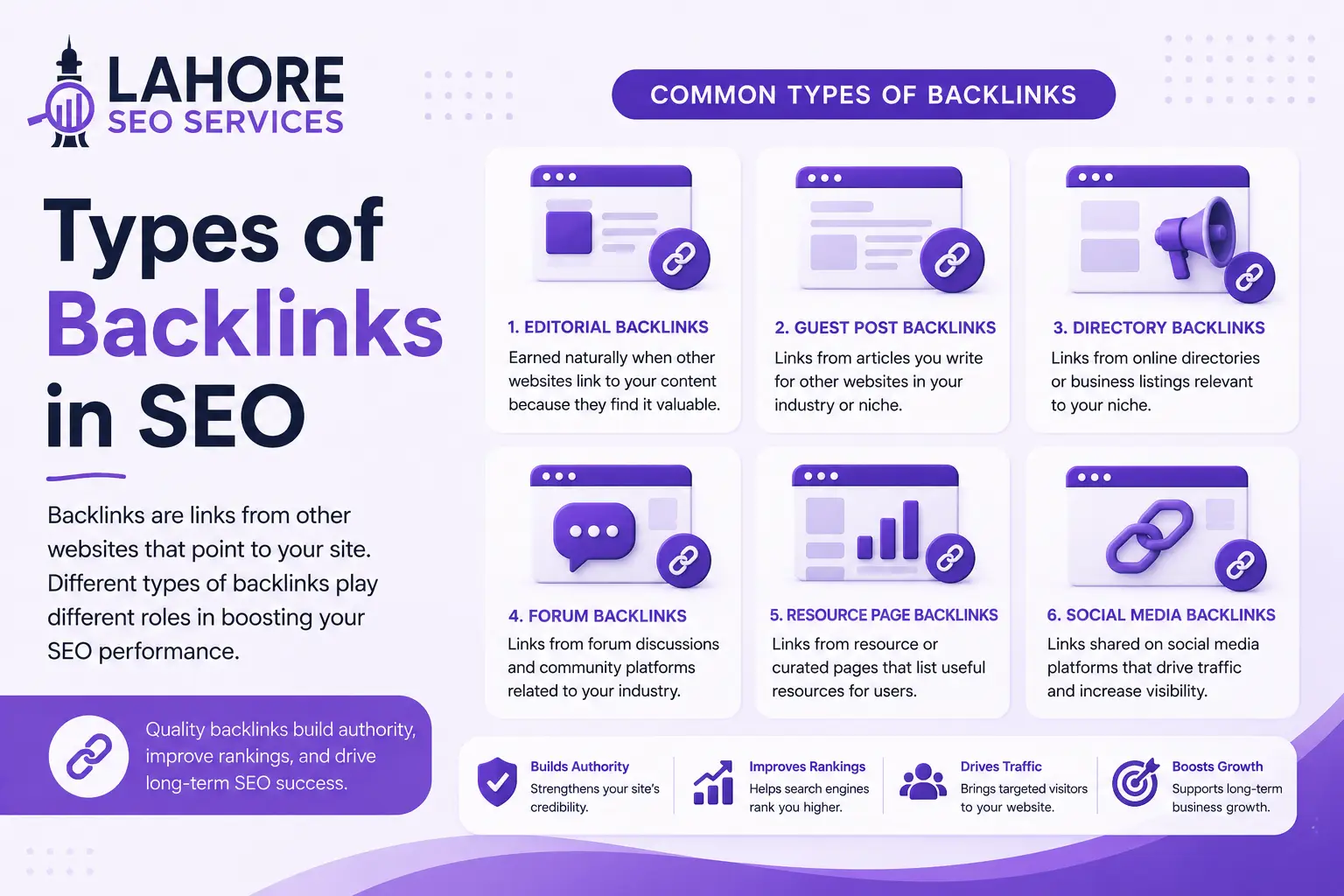
A strong internal linking structure helps search engines discover deeper pages and understand how different pieces of content relate to each other.
For example, a service page can link to:
- Related services
- Supporting blog posts
- Relevant case studies
- Location pages
- Contact or conversion pages
Internal links can help search engines:
- Discover pages
- Understand page relationships
- Follow website hierarchy
- Distribute internal link equity
- Identify important pages
Pay particular attention to orphan pages. An orphan page has no meaningful internal links pointing to it and may be difficult for users and search engines to discover.
Important pages should not depend entirely on an XML sitemap for discovery.
Canonicalization
Canonicalization helps search engines understand which URL should be treated as the preferred version when multiple URLs contain the same or substantially similar content.
For example, a website may accidentally make similar content accessible through several URL variations.
Canonical tags can provide a preferred URL signal and help reduce confusion caused by duplicate or similar URLs.
However, canonical tags are signals rather than guaranteed instructions. They should be implemented consistently with internal links, redirects, sitemaps, and other URL signals.
Redirects and HTTP Status Codes
Redirects tell browsers and search engines that a URL has moved or should lead to another URL.
Common status codes include:
- 200: The page loaded successfully.
- 301: Permanent redirect.
- 302: Temporary redirect.
- 404: The requested page was not found.
- 410: The requested resource has been permanently removed.
- 5xx: A server-side error occurred.
Avoid unnecessary redirect chains and loops. When permanently moving a page, use an appropriate permanent redirect and update internal links to point directly to the new URL.
Page Speed and Core Web Vitals
Website performance is an important part of technical SEO and user experience.
Google’s current Core Web Vitals include:
- Largest Contentful Paint (LCP): Measures loading performance.
- Interaction to Next Paint (INP): Measures responsiveness.
- Cumulative Layout Shift (CLS): Measures visual stability.
INP replaced First Input Delay (FID) as a Core Web Vital in March 2024.
Common ways to improve performance include:
- Compressing and properly sizing images
- Reducing unnecessary JavaScript and CSS
- Improving server response time
- Using browser caching
- Deferring non-critical resources
- Lazy-loading appropriate media
- Reducing unnecessary third-party scripts
- Using a Content Delivery Network (CDN) where appropriate
Do not focus only on a PageSpeed score. Review real-user performance, mobile conditions, hosting, page templates, images, JavaScript, and third-party resources.
Mobile Optimization
Google primarily uses the mobile version of a website’s content for indexing.
Your mobile version should therefore provide the important content, links, metadata, structured data, and functionality available on the desktop version.
A technically sound mobile experience should include:
- Responsive layouts
- Readable text
- Easy navigation
- Usable buttons and links
- Properly sized images
- Stable page elements
- Accessible important content
Do not assume that a responsive design automatically solves every mobile SEO problem. Important templates should be tested on actual mobile devices and different screen sizes.
HTTPS
HTTPS encrypts communication between a visitor’s browser and a website’s server.
A properly configured website should have:
- A valid TLS certificate
- Consistent HTTPS URLs
- Correct HTTP-to-HTTPS redirects
- No unnecessary mixed-content problems
- Consistent canonical URLs
HTTPS is a confirmed Google ranking signal, but moving a website from HTTP to HTTPS does not automatically produce higher rankings.
Structured Data
Structured data provides search engines with additional information about the content of a page.
Depending on the website and content, structured data can describe entities such as:
- Organizations
- Products
- Articles
- Breadcrumbs
- Events
- Local businesses
- Other supported content types
Correct implementation can help search engines better understand page content and may make pages eligible for certain search features.

Structured data should accurately represent the visible content on the page and follow the relevant search engine guidelines.
JavaScript SEO
Modern websites often use JavaScript to generate or modify content.
Search engines can process JavaScript, but technical implementation can still create SEO problems if important content, links, or metadata are unavailable or incorrectly rendered.
Review:
- Important content generated with JavaScript
- Internal links
- Metadata
- Canonical tags
- Structured data
- Rendering behavior
- Client-side redirects
- Resources required to render important content
Important SEO content should remain accessible to search engines and users.
URL Management
Poor URL management can create unnecessary crawling and indexing problems.
Large websites may generate many URL variations through filters, sorting parameters, tracking parameters, search pages, and other systems.
For example, an e-commerce website might generate multiple URLs for different combinations of filters.
Uncontrolled URL variations can create duplicate content, unnecessary crawl activity, and indexing complications.
Review URL parameters and determine which URL variations are genuinely useful for users and search engines.
Why Is Technical SEO Important?
Search engines need to access and process a website before its pages can appear properly in organic search.
Technical SEO helps search engines:
- Discover important pages
- Crawl useful content
- Understand website structure
- Identify preferred URL versions
- Process important resources
- Render JavaScript content
- Understand structured data
- Access the mobile version of pages
Technical SEO can also improve the user experience through better performance, mobile usability, secure connections, and clearer navigation.
However, technical SEO does not guarantee higher rankings. It provides the foundation that allows content, internal links, authority, relevance, and other SEO factors to work effectively.
Benefits of Technical SEO
A technically healthy website can provide several benefits.
Better Crawling
Clear website architecture, useful internal links, and clean XML sitemaps can help search engines discover important pages more efficiently.
Improved Indexability
Correct indexing controls reduce the risk of valuable pages being excluded because of accidental noindex directives, incorrect canonicals, server errors, or other technical problems.
Stronger Site Structure
A logical architecture helps search engines understand how the homepage, categories, services, products, and supporting content are connected.
Better Page Performance
Technical optimization can improve loading performance, responsiveness, and visual stability, supporting a better experience for users.
Improved Mobile Experience
A properly implemented mobile website ensures that important content, links, navigation, and functionality remain accessible on smaller screens.
Clearer URL Signals
Canonical tags, redirects, internal links, and sitemaps help communicate preferred URL versions and page relationships.
Better Content Understanding
Structured data and other technical signals can help search engines interpret information about products, organizations, articles, breadcrumbs, and other entities.
Fewer Technical Errors
Regular monitoring can identify broken links, server errors, indexing problems, redirect issues, and other technical faults before they affect important pages.
Better Management of Large Websites
Large websites can contain thousands or even millions of unnecessary URLs. Managing parameters, duplicate pages, redirects, and crawl paths can help search engines focus on valuable content.
Technical SEO Best Practices
Instead of fixing technical issues randomly, follow a structured process:
- Crawl the website and establish a technical baseline.
- Identify the most important business and SEO pages.
- Check crawling and indexing.
- Review robots.txt and XML sitemaps.
- Check canonical URLs.
- Fix broken links, redirect chains, and server errors.
- Improve site architecture and internal linking.
- Optimize Core Web Vitals and mobile performance.
- Validate structured data.
- Check JavaScript rendering.
- Review URL parameters and duplicate URLs.
- Verify HTTPS and redirects.
- Monitor important pages after making changes.
Prioritize issues according to their potential impact.
For example, a service page blocked from crawling or accidentally marked noindex may require more immediate attention than a minor technical warning on an unimportant URL.
Conclusion
Technical SEO provides the technical foundation for search visibility.
It helps search engines discover important URLs, crawl website resources, render content, understand page relationships, and index the pages that should appear in search results.
The key areas to focus on include crawlability, indexability, site architecture, internal linking, XML sitemaps, robots.txt, canonicalization, redirects, Core Web Vitals, mobile optimization, HTTPS, structured data, JavaScript rendering, and URL management.
Technical SEO does not guarantee higher rankings on its own. Instead, it creates a reliable foundation that allows your content optimization, internal linking, backlinks, authority, and broader SEO strategy to perform effectively.
Frequently Asked Questions
What is technical SEO in simple terms?
Technical SEO makes a website easier for search engines to crawl, render, understand, and index. It covers areas such as site architecture, indexing controls, page performance, mobile optimization, redirects, XML sitemaps, canonical tags, structured data, JavaScript, and security.
What does technical SEO include?
Technical SEO includes crawlability, indexability, site architecture, internal linking, XML sitemaps, robots.txt, canonicalization, redirects, Core Web Vitals, mobile optimization, HTTPS, structured data, JavaScript rendering, URL management, and technical monitoring.
Is technical SEO enough to rank a website?
No. Technical SEO provides the foundation that allows search engines to access and understand a website, but organic visibility also depends on factors such as content quality, relevance, search intent, authority, competition, and other SEO signals.
How often should technical SEO be checked?
Technical SEO should be monitored continuously, with deeper audits performed periodically and after major website changes such as migrations, redesigns, platform changes, and large URL restructuring.