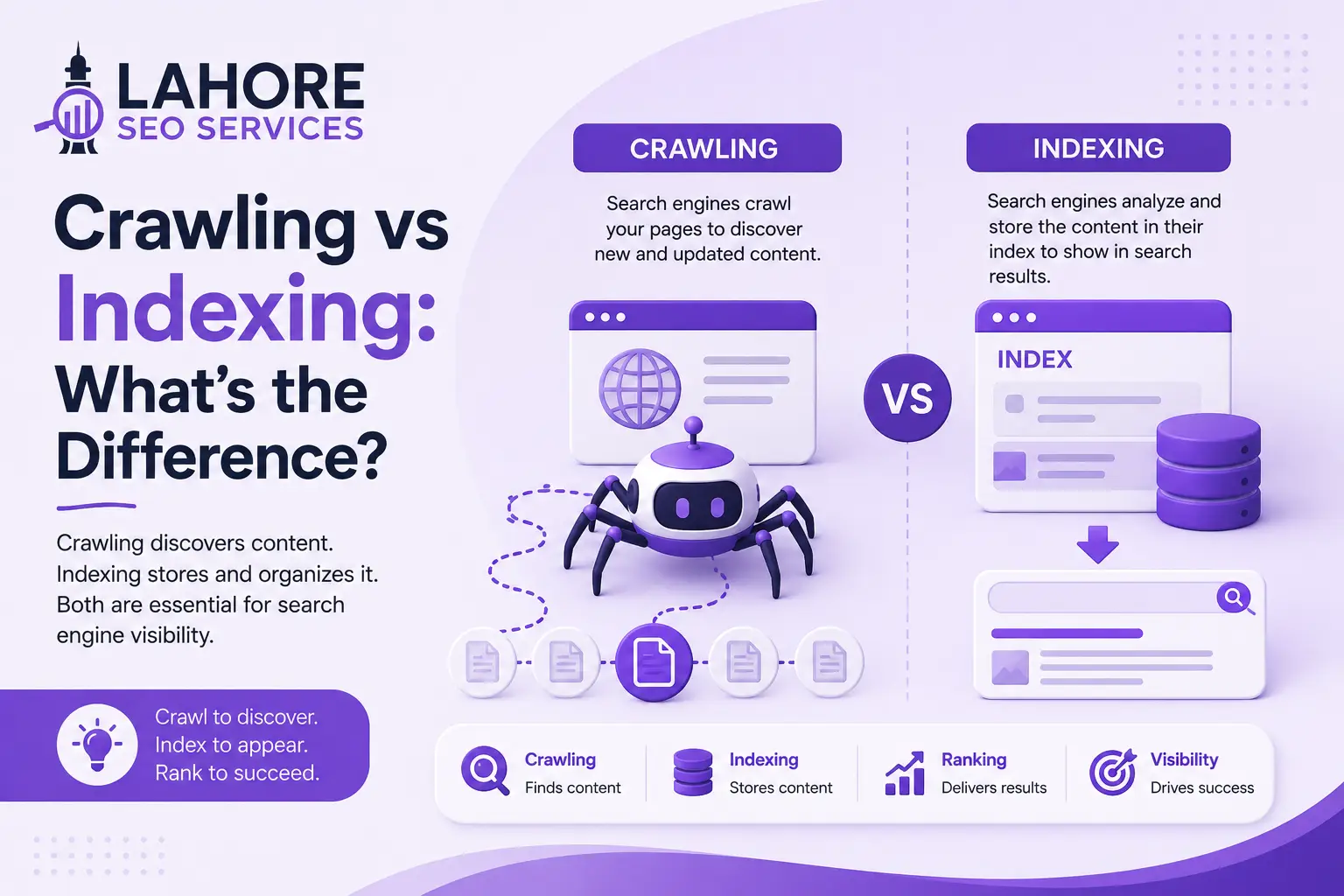
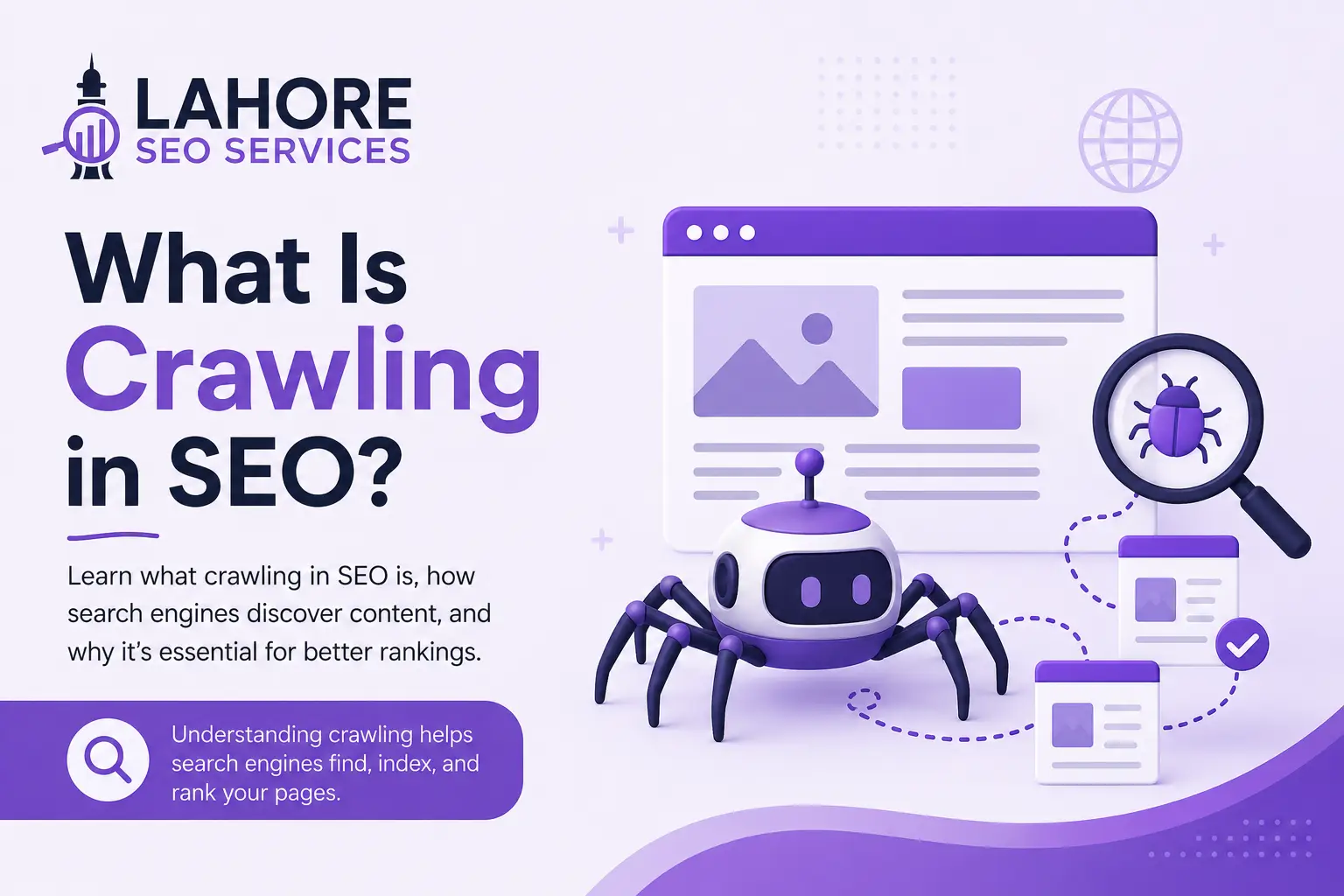
Crawling in SEO is the process search engines use to discover and access pages on a website. Search engines use automated programs called crawlers or bots to visit URLs, read available content, follow links, and discover other pages.
Google’s crawler is called Googlebot.
For example, if you publish a new page on your website, Google first needs to discover its URL and access the page. It may find the URL through an internal link, XML sitemap, external link, or a URL it already knows about.
Crawling is an important part of SEO, but crawling does not guarantee indexing or rankings.
Simply put:
Crawling means search engines finding and accessing your website pages.
How Does Crawling Work?
Search engine crawling is easier to understand when you break it into a few steps.
1. Google Discovers a URL
A search engine first needs to discover a page’s URL.
It can find URLs through:
- Internal links
- XML sitemaps
- External links
- Redirects
- Previously discovered pages
- Other URL signals
This is why your website should have a clear structure. If an important page has no useful links pointing to it, search engines may have fewer ways to discover it.
2. Googlebot Requests the Page
After discovering a URL, Googlebot attempts to access it.
Your server needs to respond properly so Google can retrieve the page. Server errors, blocked resources, connection problems, and other technical issues can prevent successful access.
At this point, remember an important distinction:
A page being successfully crawled does not mean Google will index it.
3. Google Processes the Page
Once the page is accessed, Google processes its content and resources.
This can include:
- Text
- Headings
- Links
- Images
- HTML
- Structured data
- Canonical signals
- Other page information
Google may also render pages that rely on JavaScript to understand content or links that are not available in the initial HTML.
For SEO, important content and navigation should be accessible to search engines.
4. Crawlers Find More URLs
While processing a page, crawlers can discover links to other URLs.
For example:
Homepage → Blog → Technical SEO → SEO Crawling
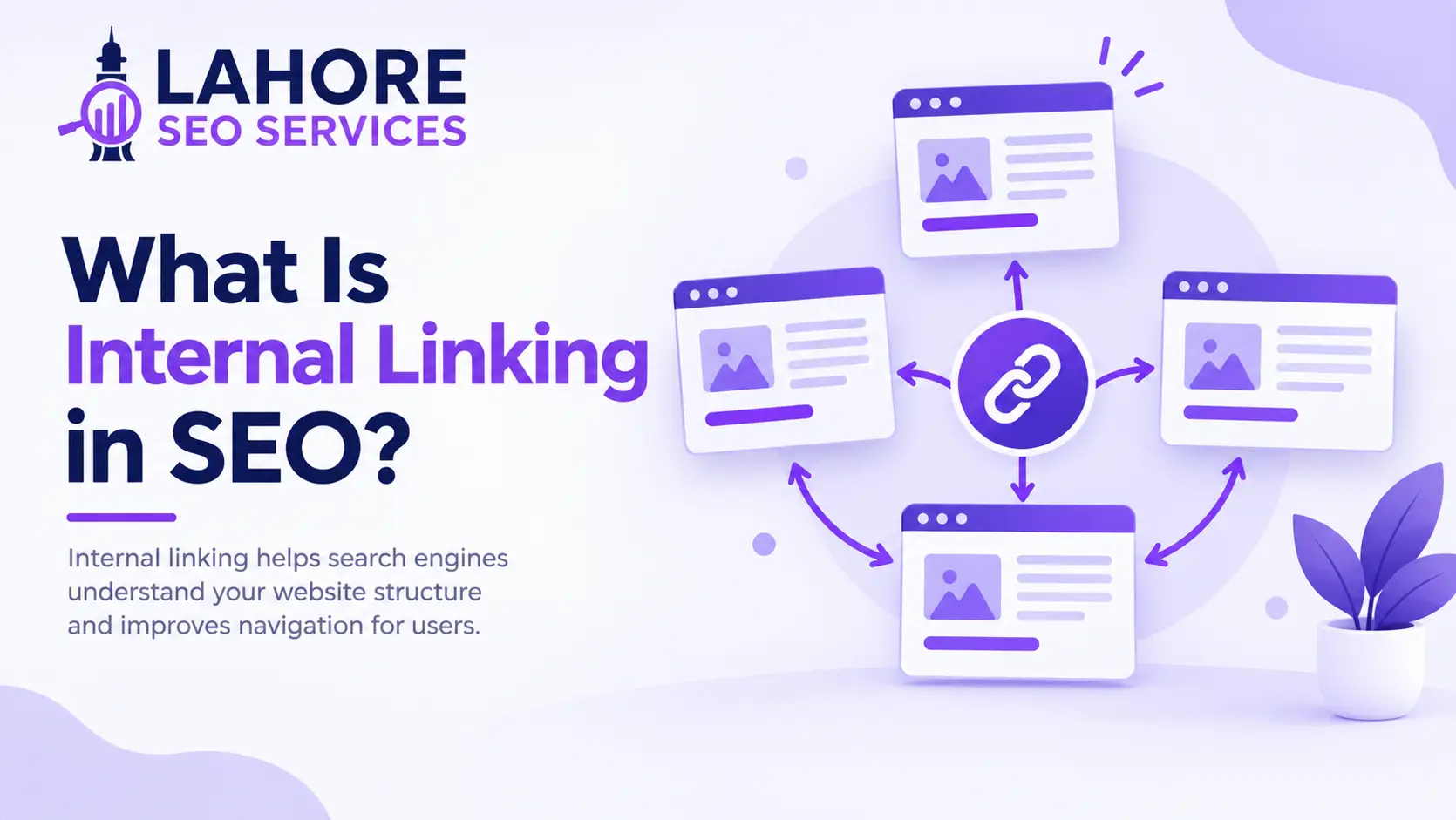
The links create paths through your website. Good internal linking helps search engines discover important pages while also helping visitors navigate your site.
5. Pages Can Be Crawled Again
Crawling is not a one-time event.
Search engines can return to previously crawled pages to check for changes, updated content, and new links.
There is no single crawl schedule for every website. Crawl activity can vary based on factors such as website changes, URL importance, server availability, and search engine demand.
Crawling vs Indexing vs Ranking
Crawling, indexing, and ranking are three different stages of the search process. They work together, but each stage has a different purpose.
| Stage | What It Means | Main Purpose | Does It Guarantee Search Visibility? |
| Crawling | Search engines discover and access a URL and fetch its available content and resources. | Discover and retrieve web pages. | No |
| Indexing | Search engines process the crawled page and may store its information in the search index. | Determine whether page information is eligible for retrieval. | No |
| Ranking | Search engines determine which eligible indexed pages can appear for a search query and where they may appear. | Order eligible results for a specific query. | No |
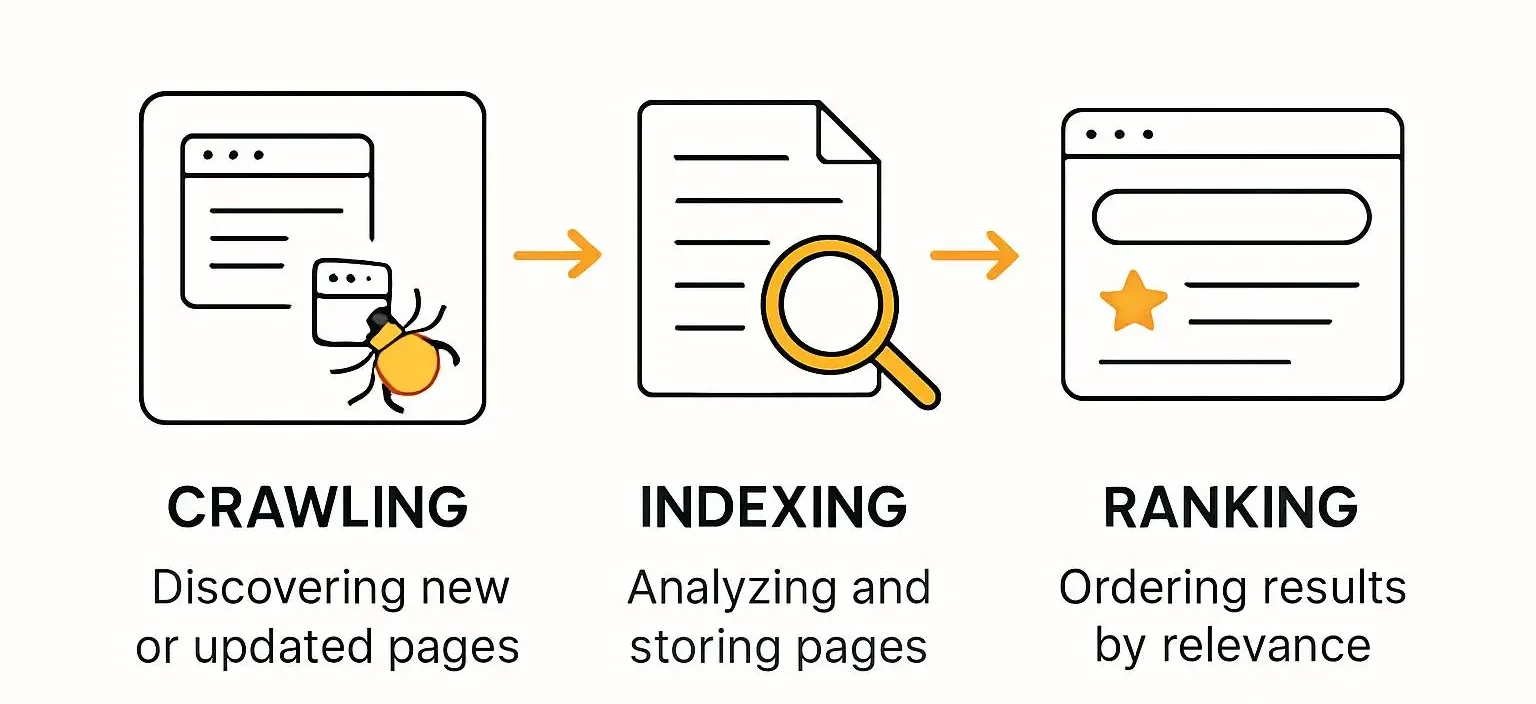
The basic process is:
Crawling → Indexing → Ranking
For example, when you publish a new blog post, Google may first discover and crawl the URL. Google can then process the page and decide whether to include its information in the index. If the page is indexed, it can become eligible to appear for relevant searches. Ranking systems then determine whether and where the page appears for a particular query.
Therefore, crawled does not mean indexed, and indexed does not mean highly ranked.
Why Is Crawling Important for SEO?
Crawling allows search engines to discover and access the pages that make up your website.
Good crawlability can help search engines:
- Find new pages
- Discover updated content
- Follow internal links
- Access important resources
- Understand website structure
- Revisit changed pages
But the goal is not to make Google crawl every URL on your website.
The goal is to make important, useful, and indexable pages easy to discover while reducing unnecessary URLs.
This matters most on large websites where thousands or millions of URLs can make crawling more complex.
What Is Crawlability?
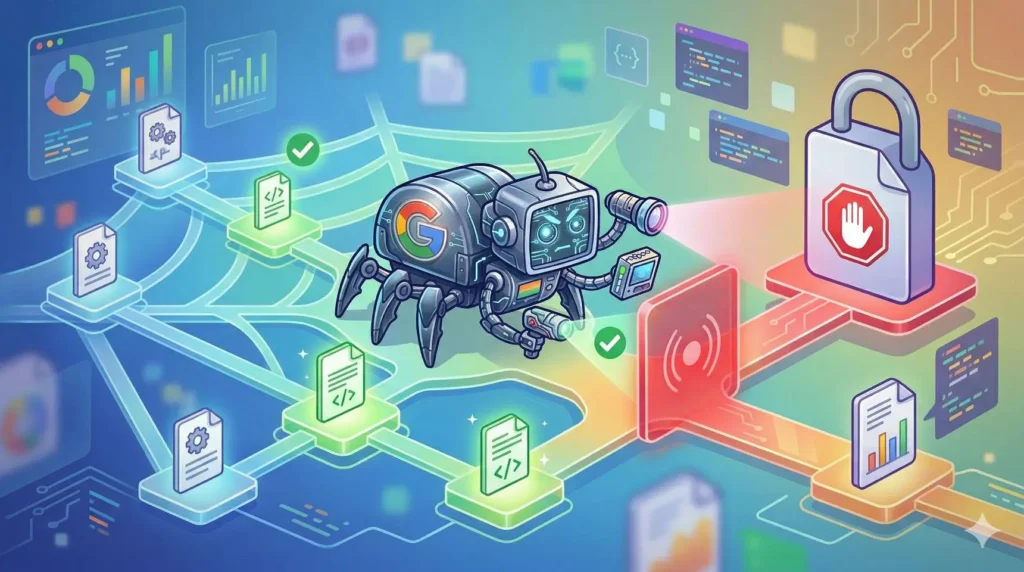
Crawlability is how easily search engine crawlers can discover and access the pages and resources on your website.
A website has good crawlability when important pages can be reached, requested, and processed without unnecessary technical barriers.
Common crawlability problems include:
- Broken internal links
- Incorrect robots.txt rules
- Server errors
- Long redirect chains
- Poor internal linking
- Large numbers of duplicate URLs
- Important content hidden behind technical problems
- Unnecessary URL parameters
Improving crawlability is therefore an important part of technical SEO.
What Is a Crawl Budget?
Crawl budget refers to the amount of crawling a search engine can reasonably perform on a website.
Google generally explains crawl budget through two main ideas:
Crawl Rate Limit
The crawl rate limit helps prevent Googlebot from sending too many requests and putting unnecessary load on a website’s server.
Crawl Demand
Crawl demand relates to how much Google wants to crawl a website’s URLs.
Crawl budget usually matters more for very large websites with thousands, millions, or more URLs.
Small websites generally do not need to calculate or manage a specific crawl budget.
However, large websites can waste crawling resources through:
- Duplicate URLs
- URL parameters
- Faceted navigation
- Infinite URL spaces
- Redirect chains
- Low-value generated pages
- Repeated server errors
The goal is not simply to increase crawling.
The goal is efficient crawling.
How to Improve Website Crawlability
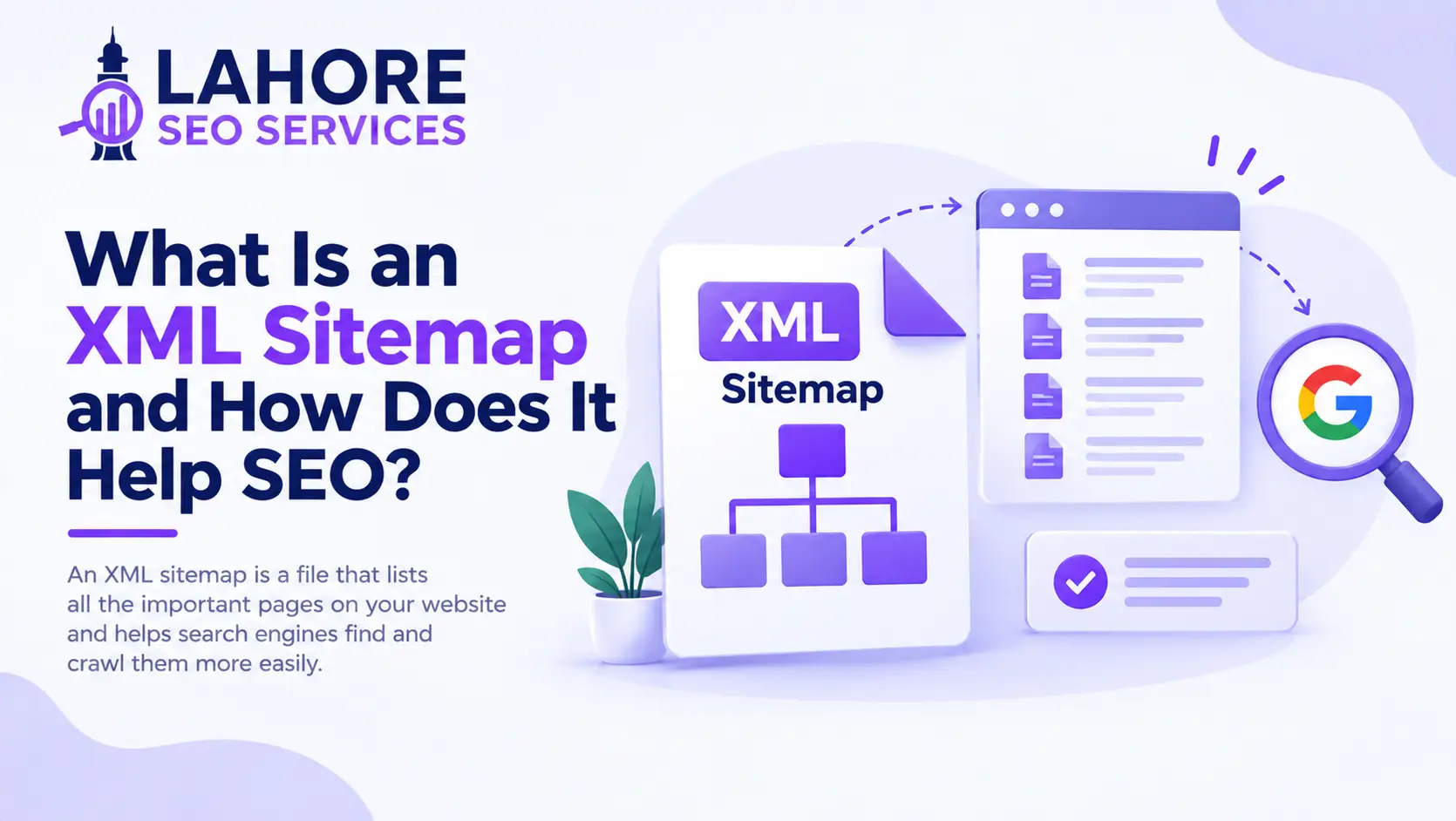
1. Use a Clean XML Sitemap
An XML sitemap helps search engines discover important URLs.
Keep your sitemap updated and focus on URLs that are:
- Important
- Canonical
- Accessible
- Suitable for indexing
Avoid filling your sitemap with broken URLs, unnecessary redirects, or duplicate versions.
A sitemap helps with discovery, but it does not guarantee crawling or indexing.
2. Build Strong Internal Links
Internal links connect pages on your website.
Link related pages naturally so both visitors and search engines can move through your site.
For example, a technical SEO article could link to related content about:
- Robots.txt
- XML sitemaps
- Canonical tags
- Website architecture
- Indexing
Important pages should not be isolated from the rest of your website.
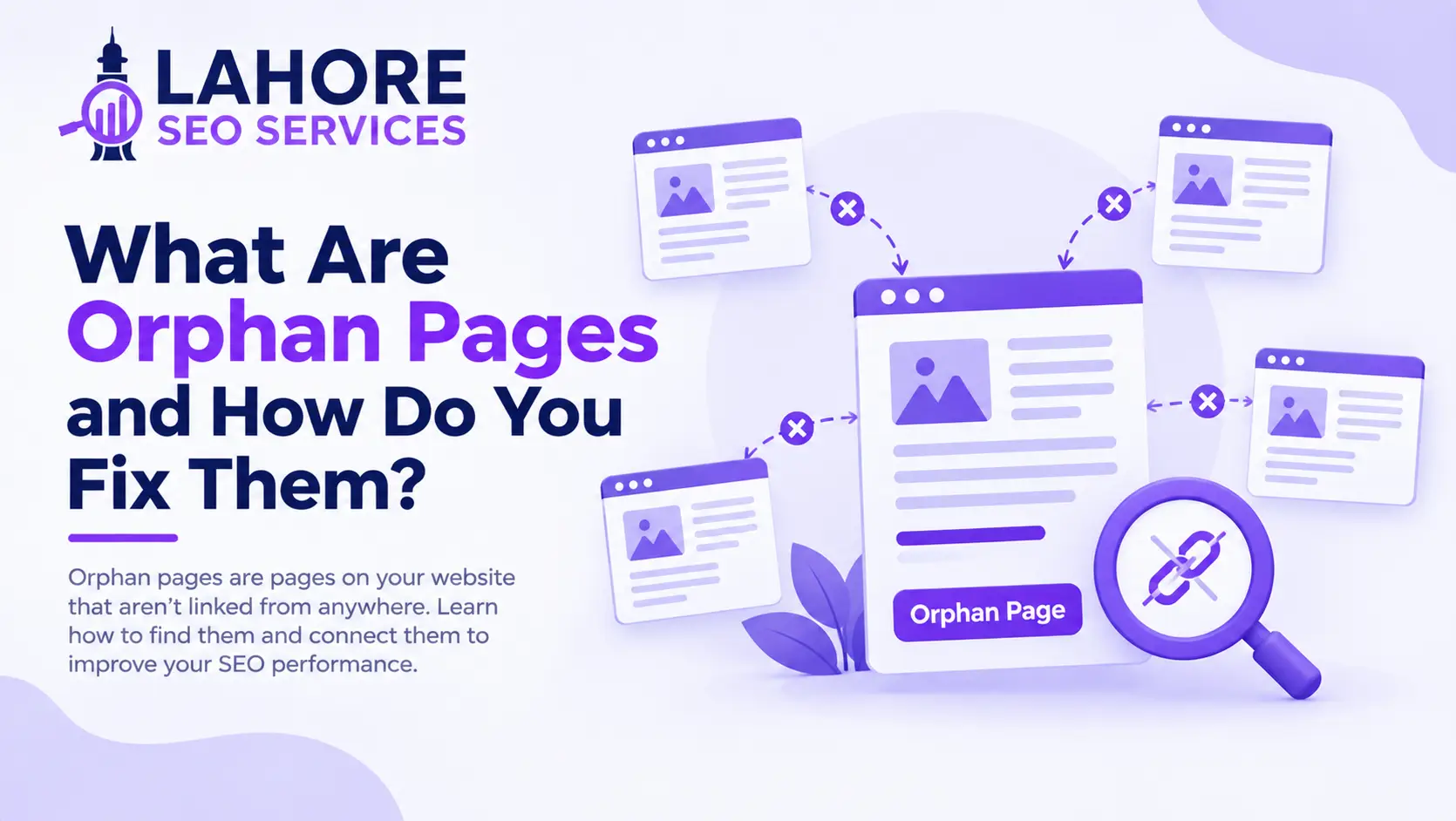
3. Avoid Orphan Pages
An orphan page is a page that has no useful internal links pointing to it.
Even if the page exists and appears in an XML sitemap, adding relevant internal links gives search engines another way to discover it.
Review important pages regularly and make sure they are connected to relevant sections of your website.
4. Check Your Robots.txt File
The robots.txt file can tell compliant crawlers which areas of your website they should not access.
Use it carefully.
Accidentally blocking an important section can create crawling problems.
Also remember that robots.txt is not a security system. Sensitive information should be protected with authentication and proper access controls.
5. Fix Broken URLs and Server Errors
Check important pages for response errors.
A 4xx response generally means the requested resource cannot be accessed.
A 5xx response generally indicates a server-side problem.
Fix broken internal links, restore useful pages, redirect permanently moved URLs when appropriate, and investigate recurring server errors.
6. Reduce Redirect Chains
A redirect chain occurs when a URL passes through multiple redirects before reaching the final page.
For example:
Page A → Page B → Page C
When possible, link directly to the final URL:
Page A → Page C
This removes unnecessary redirect steps.
7. Control Duplicate URLs
Filters, sorting options, tracking parameters, session IDs, and faceted navigation can create many URL variations.
Not every URL variation needs to be crawled or indexed.
Depending on the situation, appropriate solutions can include canonical signals, redirects, better internal linking, or changes to how URLs are generated.
8. Make Important Content Accessible
If important content or links depend heavily on JavaScript, make sure search engines can access and process them.
Your most important content should not depend on technical behavior that prevents search engines from understanding the page.
Common Crawling Problems and Fixes
Robots.txt Blocks an Important Page
Problem: Googlebot cannot access a page because it is blocked.
Fix: Review your robots.txt rules and remove accidental restrictions.
Important Page Has No Internal Links
Problem: The page is difficult to discover through normal website navigation.
Fix: Add relevant internal links from related pages.
Website Has Many 404 Errors
Problem: Crawlers repeatedly encounter URLs that no longer exist.
Fix: Remove broken internal links, restore useful pages, or redirect permanently moved URLs where appropriate.
Server Returns 5xx Errors
Problem: Crawlers cannot reliably retrieve important content.
Fix: Investigate hosting, server configuration, application errors, and recurring downtime.
Website Creates Thousands of URL Variations
Problem: Filters, parameters, or other systems create unnecessary URLs.
Fix: Review your URL structure and use suitable technical controls to reduce unnecessary URL variations.
Important Content Requires JavaScript
Problem: Important information or links may not be immediately available in the initial HTML.
Fix: Test the page and ensure important content and links are accessible when search engines render and process it.
How to Check Crawling in Google Search Console
Google Search Console provides several useful tools for understanding how Google accesses your website.
Crawl Stats
The Crawl Stats report can provide information about Google’s crawling activity and server responses.
It can be particularly useful when investigating crawling behavior on larger websites.
URL Inspection
The URL Inspection tool lets you check an individual URL and see information about Google’s ability to access and process it.
You can also request indexing for eligible URLs.
However, requesting indexing does not guarantee immediate crawling or indexing.
For larger technical SEO audits, dedicated crawling tools can help identify:
- Broken links
- Redirects
- Response codes
- Canonical issues
- Robots directives
- Duplicate URLs
- Orphan pages
- Internal linking problems
Does Crawling Affect Google Rankings?
Crawling is an important part of SEO because search engines need to access pages before they can properly process them.
However, more crawling does not automatically mean higher rankings.
A page can be crawled and still not be indexed. An indexed page can also rank differently depending on the search query and many other factors.
Your SEO strategy should therefore focus on making important pages accessible while also providing useful content and a clear website structure. Accessibility is only one part of optimization, alongside areas such as on-page SEO, content, internal linking, and authority.
Final Thoughts
Crawling is the process that helps search engines discover and access your website’s pages.
You can improve crawlability by creating a logical website structure, using relevant internal links, maintaining a clean XML sitemap, checking robots.txt, fixing broken URLs and server errors, reducing unnecessary URL variations, and keeping important content accessible.
You do not need to force search engines to crawl every URL.
Instead, focus on making your most important and useful pages easy to discover, access, and understand. Once pages are accessible, broader SEO factors such as content quality, internal linking, and backlinks can contribute to their overall search visibility.
If you want to improve your website’s technical SEO, crawlability, internal linking, or search visibility, Lahore SEO Services can help identify and address technical issues that may affect how search engines access your website.
Frequently Asked Questions
What is crawling in SEO?
Crawling is the process search engines use to discover and access web pages. Search engine crawlers visit URLs, retrieve page content, and follow links to discover additional pages.
What is a crawler in SEO?
A crawler is an automated program that search engines use to discover and access websites. Google’s crawler is called Googlebot.
How often does Google crawl a website?
Google does not use one fixed crawl schedule for every website. Crawling can vary depending on website changes, URL importance, server availability, and Google’s crawl demand.
Does crawling guarantee indexing?
No. A page can be crawled without being included in Google’s search index.
Does crawling guarantee rankings?
No. Crawling only allows search engines to access a page. Indexing and ranking are separate processes.
Is crawl budget important for small websites?
Usually, no. Crawl budget is mainly a concern for very large websites or websites with many unnecessary URLs and technical problems.
How can I improve my website’s crawlability?
Use strong internal links, maintain a clean XML sitemap, configure robots.txt carefully, fix broken links and server errors, reduce unnecessary redirects and duplicate URLs, and make important content accessible to search engines.