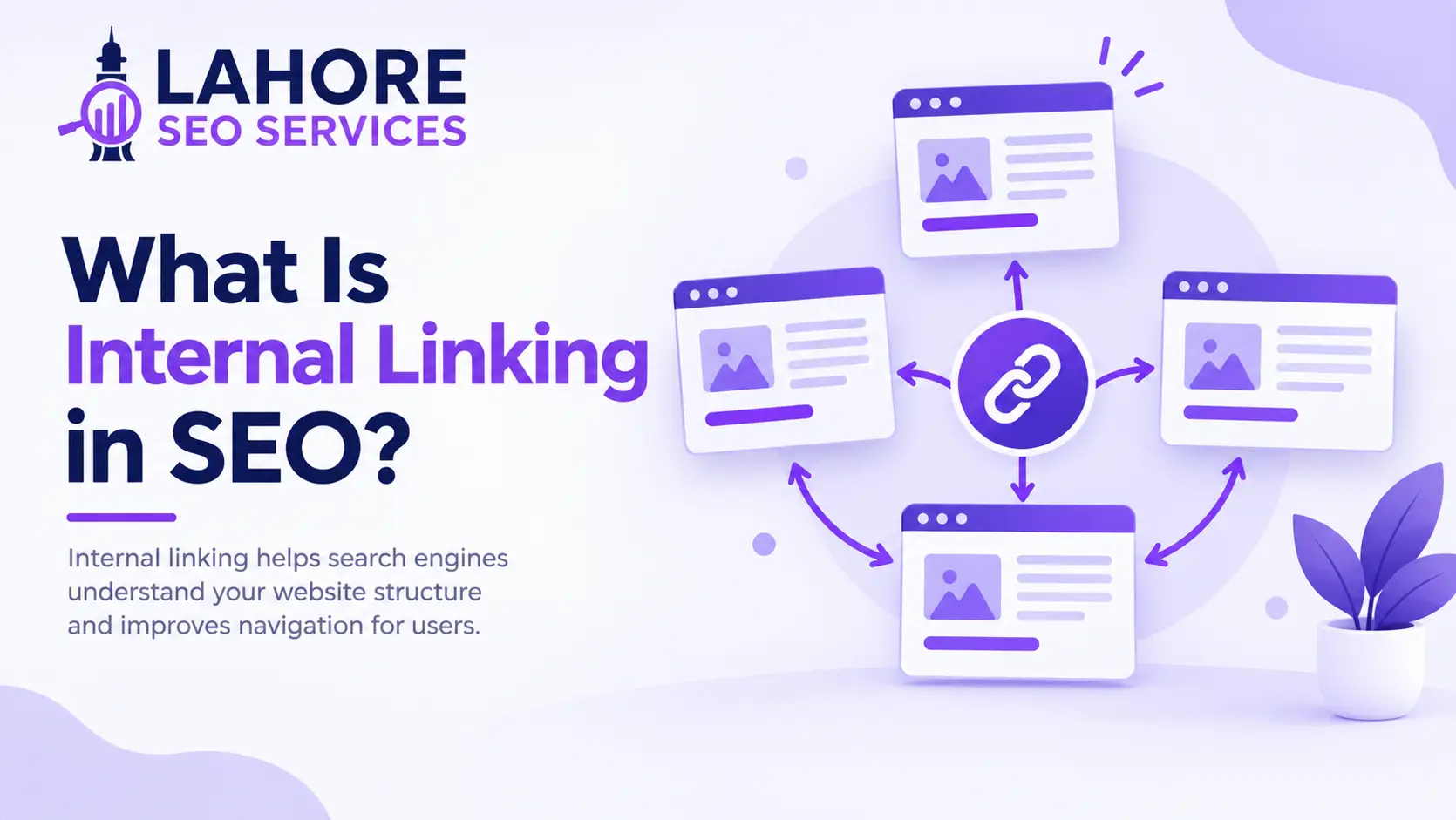
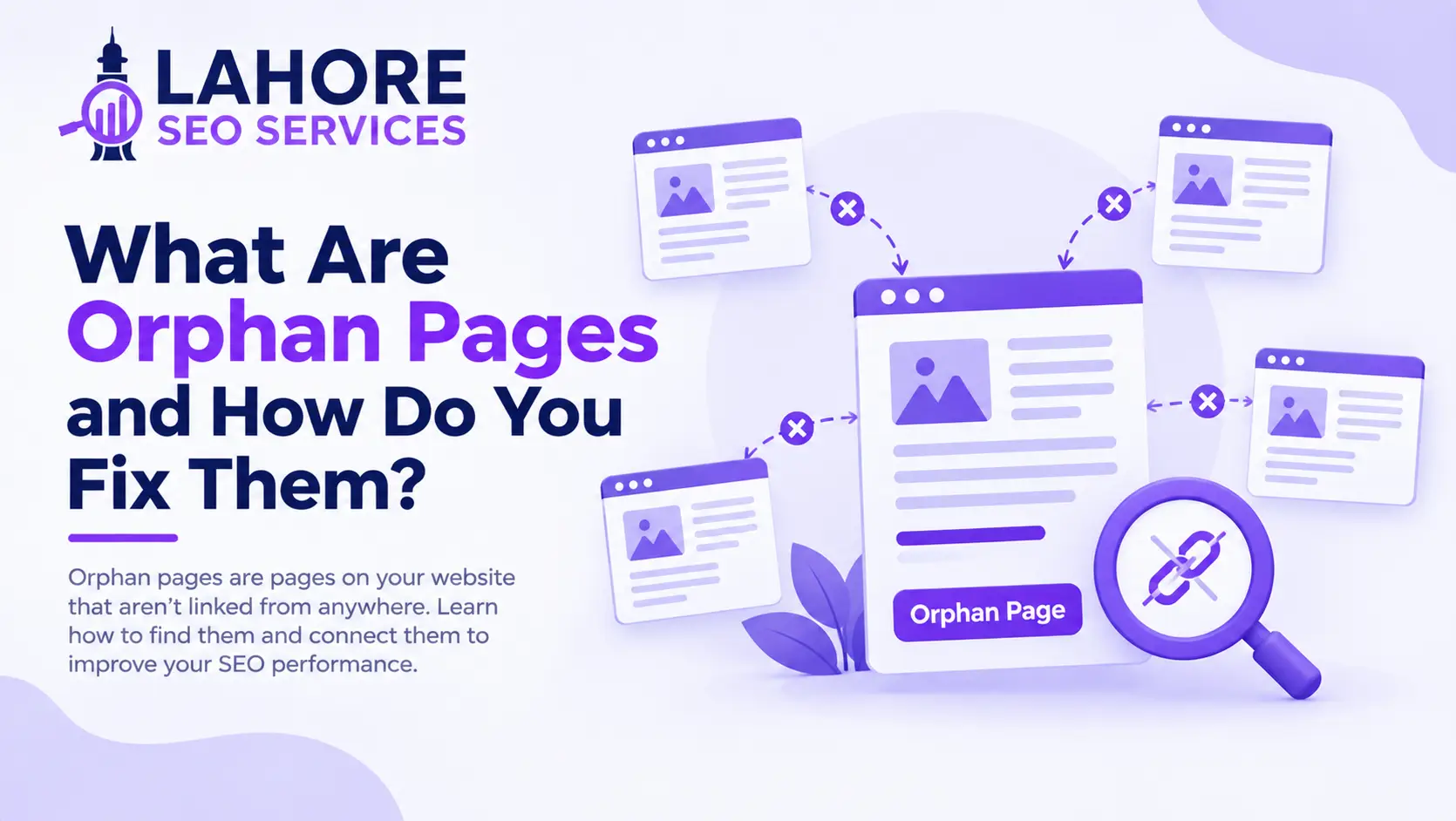
Orphan pages are indexable website pages with zero inbound internal links from other pages on the same domain. The defining condition is the absence of an internal link, not whether Google has indexed the URL or whether the URL appears in an XML sitemap.
For example, suppose a service page exists at /services/technical-seo/, but no homepage, service category, blog post, navigation element, breadcrumb, or other internal page links to the service page. The service page is an orphan page.
An important distinction concerns navigation. A page does not qualify as an orphan when a global header, menu, footer, sidebar, breadcrumb, or other sitewide navigation element links to the page. A single valid internal link is enough to remove the page from the strict definition of an orphan.
Why Are Orphan Pages Bad for SEO?
Orphan pages can weaken discoverability, internal link distribution, and user navigation because the website provides no internal path to the URL. The SEO impact depends on the page, the website size, the available external signals, and whether the orphan status is intentional.
Search engines can discover URLs without internal links through XML sitemaps, external links, redirects, submitted URLs, or other references. Therefore, an orphan page is not automatically unindexed.
An important page receives no internal link support. Internal links communicate relationships between pages and help search engines understand site architecture and page importance. A valuable page with no internal references can therefore miss useful contextual signals.
Can Orphan Pages Be Indexed?
Yes, orphan pages can be indexed when search engines discover the URLs through other sources. An XML sitemap, external backlink, direct discovery, or historical URL reference can expose an orphan page to Googlebot even though the website itself provides no internal path.
Indexing does not make the orphan status disappear. The page remains orphaned until another page on the same website links to the URL.
A page can therefore appear in Google Search results while still being an orphan. Conversely, a page can remain undiscovered or become excluded from the index when search engines lack sufficient signals or determine that the page does not meet indexing requirements.
Why Do Orphan Pages Occur?
Orphan pages usually result from gaps in publishing, navigation, content management, or website changes. Five common causes include:
- Site migrations that fail to recreate old internal links.
- Website redesigns that remove menu or category links.
- New pages published without links from relevant existing pages.
- Deleted navigation elements that leave valuable URLs disconnected.
- Old campaign, product, service, or blog pages that lose their original links.
Content teams can create orphan pages when a page receives publication approval but no internal linking plan. Developers can create orphan pages during structural changes when templates, categories, filters, or navigation systems change.
Ecommerce SEO requires extra attention to discontinued products, seasonal collections, faceted URLs, and category restructuring, which can leave URLs outside the current navigation structure.
Are All Orphan Pages Problems?
No, some orphan pages are intentionally isolated and do not need internal links. A paid advertising landing page may exist only for a campaign and may intentionally remain outside normal navigation. Thank-you pages, testing URLs, private resources, and temporary campaign destinations can have legitimate reasons for isolation.
The correct SEO response depends on the page purpose. Do not add internal links simply to eliminate an orphan-page report. First determine whether the URL should be discoverable, indexable, and accessible through the main website.
A page intended for organic search usually deserves integration into the site structure. A private or temporary page may require noindex, access restrictions, a 404 or 410 response, or another deliberate technical treatment.
How to Find Orphaned Web Pages
To find orphaned web pages, compare a comprehensive list of known URLs with URLs discovered through a full website crawl and identify live pages that have zero inbound internal links. One crawler alone cannot reliably identify every orphan because the crawler may never discover disconnected URLs.
Start by collecting URL sources that represent different parts of the website:
- XML sitemaps for URLs the site declares as important.
- Google Search Console for URLs known through search activity and indexing systems.
- Google Analytics 4 for URLs that receive visits.
- Content management system exports for published pages.
- Ecommerce product feeds for catalog URLs.
- Server logs for URLs requested by users and crawlers.
- External backlink tools for URLs referenced by other websites.
Next, crawl the website and export internal link data. Compare the datasets in a spreadsheet or an SEO auditing platform. A URL that exists in the CMS, sitemap, analytics data, or search data but has no inbound internal link deserves manual verification.
How Does Screaming Frog Help Find Orphan Pages?
Screaming Frog can help identify orphan URLs when you combine crawl data with XML sitemaps, Google Analytics, and Google Search Console sources. The crawler can then compare discovered URLs with URLs found through those additional sources.
A practical workflow works. Configure the crawl to include relevant XML sitemaps and connect available analytics and Search Console data. Run the crawl, inspect URLs that the crawler knows about but cannot reach through internal links, and verify whether each URL remains live and indexable.
Do not export the entire result directly into a client recommendation. Review status codes, canonical tags, redirects, indexability, duplicates, traffic, backlinks, and business value first.
How Do You Verify an Orphan Page?
To verify an orphan page, confirm that the URL returns a live response and has no inbound internal links from the canonical website version. Check the rendered navigation, HTML source, breadcrumbs, contextual links, and other components that can generate internal links.
A crawler can report zero links when a link exists through JavaScript, unusual templates, authenticated areas, or data sources outside the crawler configuration. URL normalization can create false positives as well.
Check HTTP and HTTPS versions, www and non-www variants, trailing slashes, canonical URLs, redirects, and parameterized URLs before classifying a URL as an orphan.
How Do Orphan Pages Affect Crawl Budget?
Orphan pages can create crawl-efficiency concerns, especially on large websites with extensive URL inventories. Crawl budget refers to the resources and crawling activity that search engines allocate to a website over time.
The stronger issue for most sites is discoverability and internal architecture. Fix crawl concerns in context rather than assuming every orphan URL wastes meaningful Googlebot resources.
How Do Orphan Pages Affect Link Equity?
Orphan pages receive no internal link equity from other pages because no internal page points to the URL. Internal links help search engines discover relationships among documents and distribute importance across a website.
A page with strong external backlinks can still have authority-related signals despite being orphaned. However, the website does not provide internal contextual support for the page.
Add relevant internal links from authoritative and topically related pages when the orphan page deserves organic visibility. Choose linking pages based on relevance and user value rather than adding links mechanically.
How to Fix Orphaned Pages
To fix orphaned pages, first classify each URL by purpose, quality, traffic, backlinks, indexability, and business value. Then choose one of four actions: integrate, consolidate, redirect, or remove.
1. Add Relevant Internal Links
Add contextual links from relevant topically related pages to a valuable orphan URL. Suitable sources can include service pages, category pages, related blog posts, guides, breadcrumbs, navigation menus, and product collections.
The link should make sense for the reader. Use descriptive anchor text that explains the destination without forcing an exact-match keyword.
2. Improve Site Navigation
Add important pages to appropriate category structures, breadcrumbs, menus, related-content sections, or product collections. Navigation should reflect the website hierarchy and help users reach important pages through normal journeys.
Do not place every URL in the main menu. High-value pages need suitable structural locations, while secondary pages can receive contextual internal links.
3. Consolidate Duplicate or Thin Pages
Merge duplicate or substantially overlapping orphan pages into a stronger, relevant destination when separate URLs provide little unique value. Preserve useful information during consolidation and update internal links to the preferred URL.
Consolidation can reduce competing pages and simplify the website’s information architecture.
4. Redirect or Remove Unnecessary URLs
Use a permanent redirect when an obsolete orphan URL has a closely relevant replacement and meaningful signals worth preserving. Return a 404 or 410 response when a page has no appropriate replacement and should permanently disappear.
Do not redirect every orphan URL to the homepage. An irrelevant redirect creates a poor user experience and does not provide a meaningful destination.
When Should You Keep an Orphan Page?
Keep an orphan page when the page serves a deliberate purpose that does not require normal site navigation. A campaign landing page may remain isolated when paid traffic is the intended acquisition channel and organic indexing is unnecessary.
For valuable indexable pages, isolation usually deserves review. Check organic impressions, clicks, rankings, conversions, backlinks, content quality, and relevance before deciding whether the page belongs in the main site architecture.
How Do You Prevent Orphan Pages?
Prevent orphan pages by making internal linking part of the publishing and migration workflow. Every new indexable page should have a defined parent, category, contextual links, or another appropriate route through the site.
Before launching a new page, identify at least one relevant internal source page. During migrations, map old URLs to new URLs and verify that important internal links survive the change.
Run recurring technical SEO audits after major redesigns, migrations, navigation changes, and large content releases. Automated checks can identify new issues before disconnected pages accumulate.
Final Takeaway
An orphan page is a live website page with no inbound internal links. The condition does not automatically prevent indexing, but disconnected pages can lose important internal discoverability and contextual signals.
The correct fix starts with classification. Link valuable pages into relevant parts of the site, consolidate overlapping pages, redirect obsolete URLs to genuinely relevant replacements, and remove unnecessary pages through appropriate status codes.
A reliable orphan-page process combines crawl data, sitemap data, analytics, Search Console, content inventories, and manual validation. Lahore SEO Services can use this process to identify disconnected pages and improve internal site architecture during technical SEO audits.
Frequently Asked Questions
Why are orphan pages bad for SEO?
Orphan pages can weaken discoverability and internal link support because no internal page points to the URL. Search engines may still discover orphan pages through sitemaps or external links, but valuable pages lack internal contextual signals and normal navigation paths.
How do you find orphan pages on a website?
Find orphan pages by comparing a full website crawl with URLs from XML sitemaps, Search Console, analytics, CMS exports, and other sources. Live URLs that exist in external datasets but have zero inbound internal links require manual verification.
How do you fix orphan pages?
Fix orphan pages by adding relevant internal links when the pages provide value. Consolidate duplicate content, redirect obsolete URLs to closely relevant replacements, or remove unnecessary pages with appropriate HTTP status codes when no useful purpose remains.
Can orphan pages rank in Google?
Yes, orphan pages can rank in Google when Google discovers, indexes, and evaluates the URLs through other signals. An orphan status does not automatically prevent ranking, but the absence of internal links removes useful structural and contextual signals from the website.
How can you prevent orphan pages from occurring?
Prevent orphan pages by assigning every valuable indexable URL a place within the site architecture and adding relevant internal links before publication. Audit internal links after migrations, redesigns, navigation changes, and major content releases to detect newly disconnected pages.