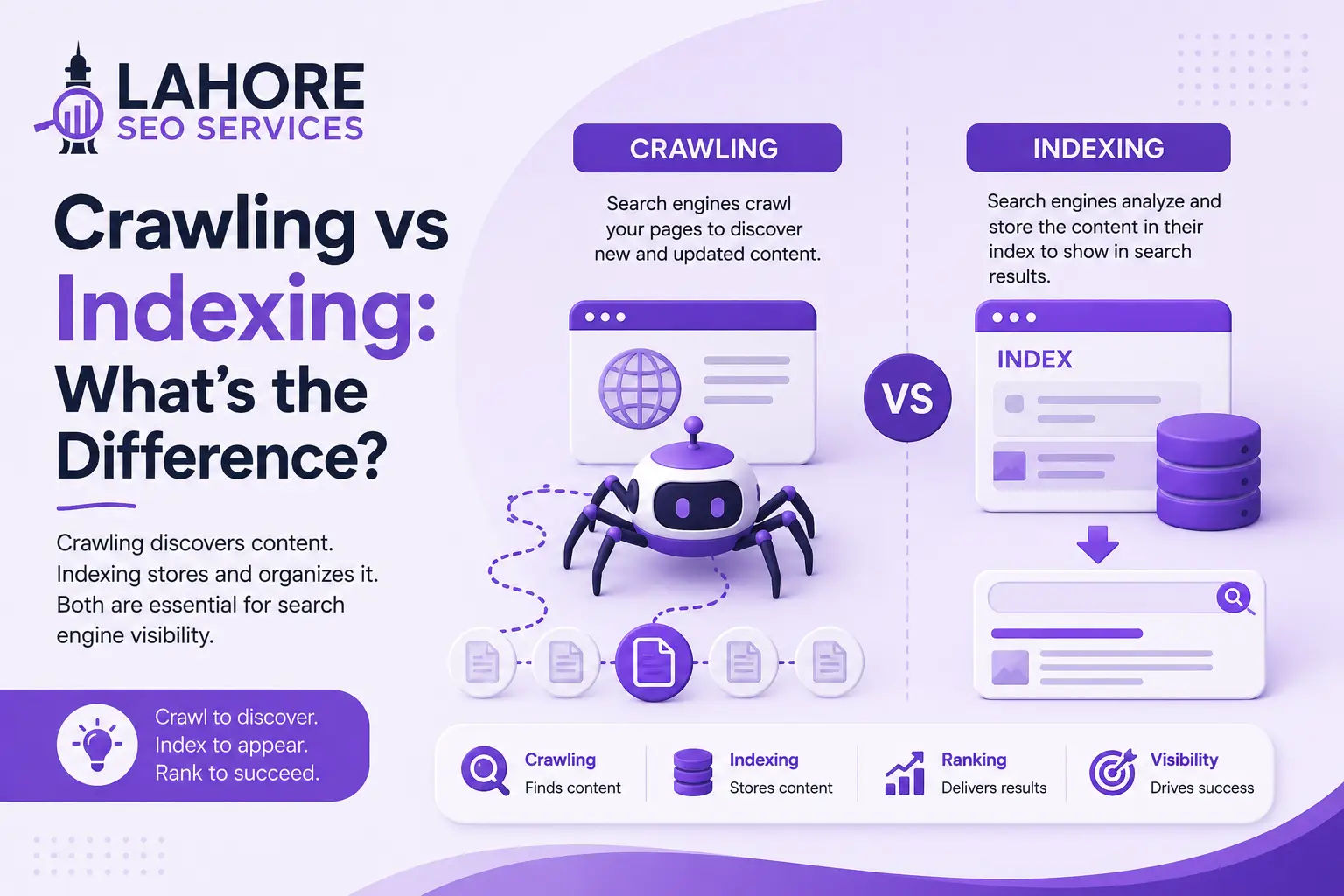
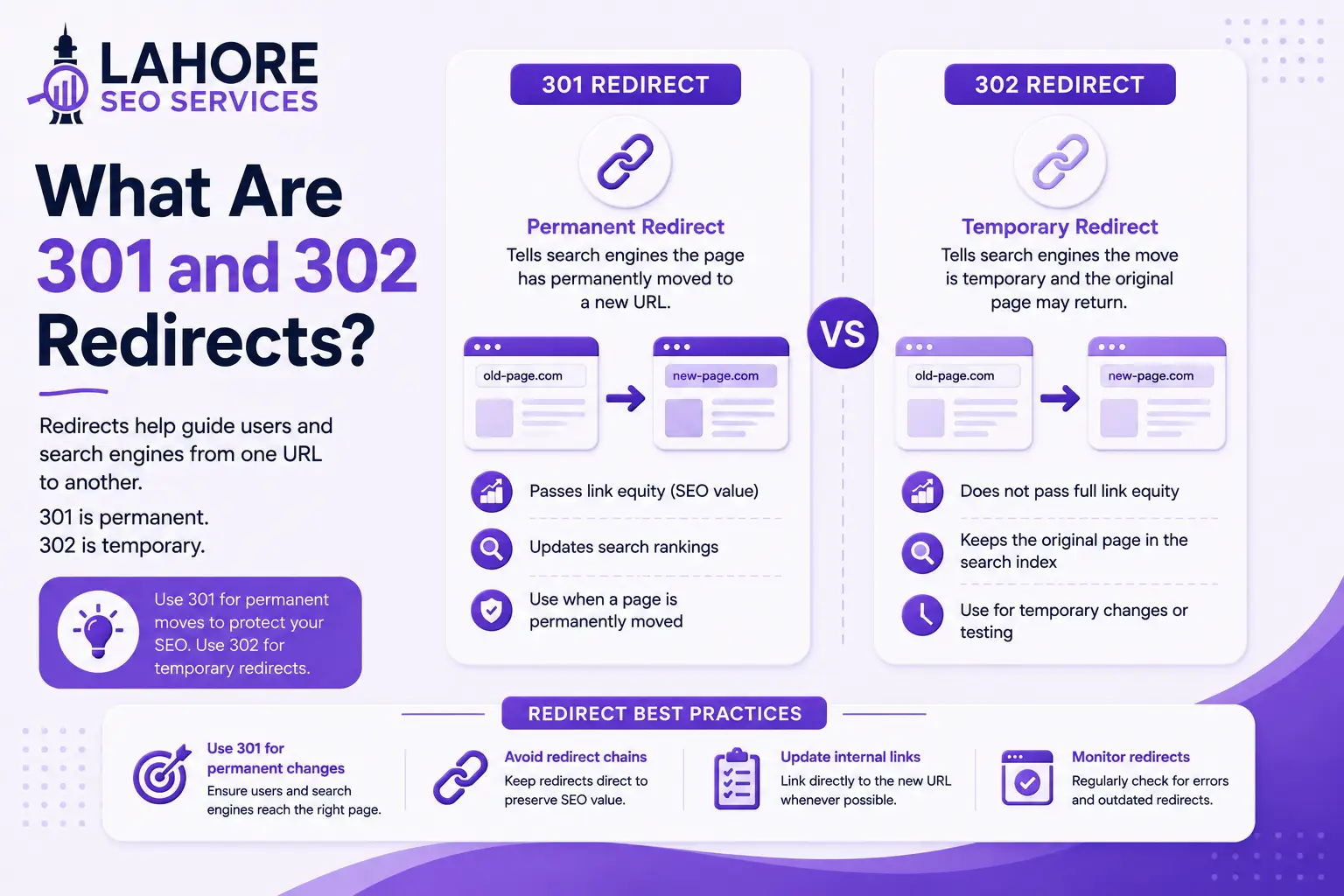
A 301 redirect permanently moves a URL to another URL, while a 302 redirect temporarily moves a URL without signaling that the original location has been replaced permanently. The distinction matters because redirects affect crawling, indexing, canonicalization, user access, and how search engines interpret URL changes. A precise redirect strategy keeps technical changes aligned with search engine interpretation, user access, internal linking, canonicalization, and long-term website architecture decisions consistently.
For website owners, the practical rule is direct: use a 301 when the destination replaces the original URL permanently, and use a 302 when the original URL remains the preferred location and the change is temporary. Lahore SEO Services uses this distinction when planning URL migrations, content consolidation, technical SEO fixes, and website restructuring.
What Are HTTP Response Status Codes?
HTTP response status codes tell browsers and search engines what happened after a URL request. The first digit identifies the category: 2xx means success, 3xx means redirection, 4xx means a client error, and 5xx means a server error. A redirect uses a 3xx response to direct the requester to another URL.
What Are 301 and 302 Redirects?
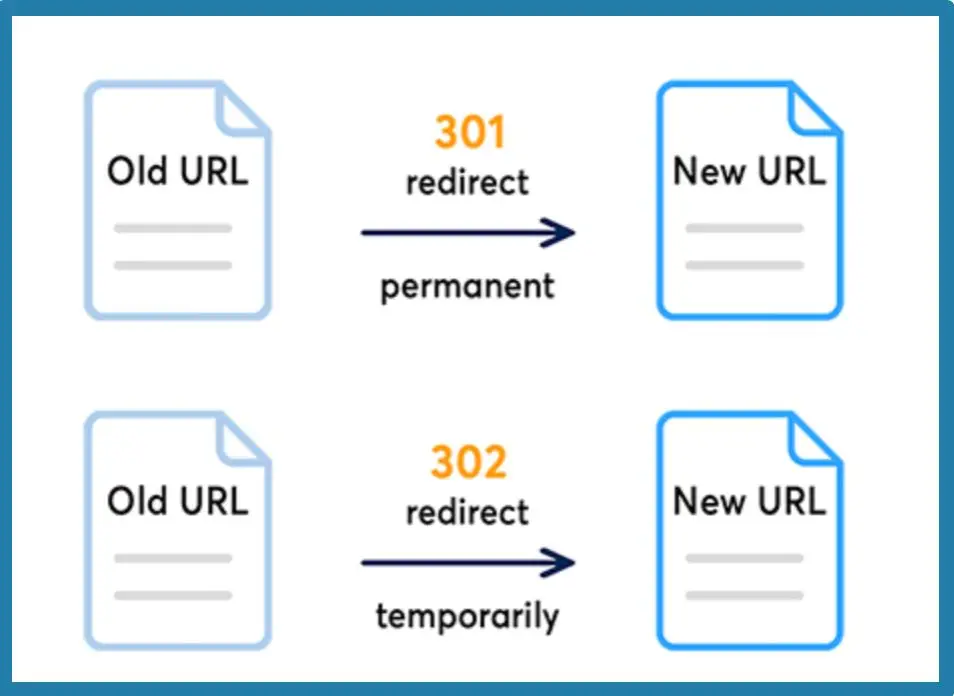
301 and 302 redirects both send users and crawlers from one URL to another, but the intended permanence differs. A 301 is permanent; a 302 is temporary. The status code communicates the intended relationship between the source and destination.
Redirects can apply to pages, directories, subdomains, or domains. Common reasons include URL restructuring, domain moves, content consolidation, outdated-page replacement, maintenance, and testing. Google uses permanent and temporary redirect types as signals when determining which URL should be treated as canonical.
What Is a 301 Redirect?
A 301 redirect is an HTTP status code that tells clients and search engines that a URL has moved permanently. The old URL remains useful as a redirect source, but the destination becomes the intended location for future access.
Google states that 301 and other permanent redirects do not cause a loss of PageRank during site moves. A permanent redirect can therefore transfer signals associated with the old URL to the new URL when the move is appropriate. Google may still need time to recrawl and process the change, and rankings can fluctuate during substantial migrations.
When Should You Use 301 Redirects?
Use a 301 redirect when the original URL should no longer be the primary location for the content. Common cases include:
- Permanent URL changes after restructuring.
- Domain migrations and rebrands.
- HTTP-to-HTTPS migrations.
- Consolidation of overlapping pages.
- Replacement of outdated content with closely relevant content.
- Permanent movement of categories, services, products, or directories.
A 301 should not become a destination for every deleted page. Use a relevant replacement when one exists; otherwise, a useful 404 or 410 response can be more appropriate than an unrelated redirect.
What Is a 302 Redirect?
A 302 redirect is an HTTP status code that communicates a temporary move. The source URL remains the preferred location, while users or crawlers are temporarily sent to another URL.
A 302 can make sense when the original page will return, when you need a temporary alternative during maintenance, or when a temporary experiment requires another destination. Google can process temporary redirects in ways that preserve the original URL as the canonical choice, depending on the broader signals available.
When Should You Use 302 Redirects?
Use a 302 redirect when the destination is temporary and the original URL should remain the long-term location. Typical cases include:
- Temporary maintenance while the original page is unavailable.
- A/B testing an alternate page.
- Short-term promotional campaigns.
- Temporary operational changes.
- Defined tests of alternate regional or user experiences.
For user-agent or location-based experiences, implementation requires care because inconsistent redirects can create crawling and indexing problems. Remove the 302 when the temporary condition ends and the original URL resumes normal service.
301 vs 302 Redirects: Key Differences
The central difference is permanence. A 301 says the source has moved permanently. A 302 says the source remains the intended location while another URL is used temporarily.
SEO treatment requires more nuance than the common claim that 302 redirects never pass SEO value. Google has stated that its systems can treat redirects appropriately based on their signals, and permanent redirects do not cause PageRank loss during site moves. Therefore, do not select a redirect type based on an outdated rule that a 302 automatically loses all ranking signals.
The correct choice remains based on the actual site change. A permanent migration calls for a permanent redirect. A temporary experiment or maintenance event calls for a temporary redirect.
301 vs 302 Redirect in SEO
For SEO, the 301 is normally the correct implementation for a permanent URL replacement because the redirect, destination, internal links, canonical signals, sitemap entries, and site structure can consistently point toward the new URL. Google can then process the old and new URLs as part of the migration.
A 302 is appropriate when preserving the source URL matters. The temporary status tells search engines that the source may return, so the destination should not automatically be treated as a permanent replacement. Google specifically describes temporary redirects as signals that can help keep the source URL in search results.
Google’s canonicalization systems consider redirects alongside other signals. A redirect is therefore an important signal, not an isolated command that overrides every other technical or content signal. Your destination page, canonical tag, sitemap, internal links, and external links should communicate a consistent URL preference.
How Do 301 and 302 Redirects Affect Rankings?
301 redirects can preserve PageRank during permanent site moves, but a redirect does not guarantee identical rankings after migration. Ranking changes can occur because the destination differs from the source, content changes, internal links change, technical issues appear, or search engines need time to process the migration.
302 redirects do not automatically mean zero SEO value. Google can interpret temporary redirects based on context and other signals. The source URL may remain canonical when the move is genuinely temporary.
The strongest SEO approach is signal consistency. If a page permanently moves, update internal links and sitemaps to the destination, use a 301, and keep relevant external references in mind. If the move is temporary, preserve the source URL as the long-term address and use a 302 for the temporary condition.
301 vs 302: Which Should You Choose?
Choose a 301 if the source URL will permanently stop being the preferred location. Choose a 302 if the source URL should remain the preferred location after the temporary change ends.
Ask one operational question before implementation: Which URL should users and search engines treat as the long-term address? If the answer is the new URL, use a 301. If the answer is the original URL, use a 302.
This approach prevents a common technical SEO error: selecting a redirect code based on traffic goals rather than the actual status of the URL. Redirects communicate site architecture, so the status code should reflect the real migration condition.
How to Implement 301 and 302 Redirects
Redirects are usually configured at the server, application, or content management system level. Apache commonly uses .htaccess, while Nginx and Microsoft IIS use different methods. WordPress websites can use server configuration or redirect-management plugins, depending on hosting and technical requirements.
For a 301, configure the source to return a permanent response and point directly to the final destination. For a 302, configure a temporary response while keeping the source as the intended long-term URL.
Test every redirect. Confirm the expected status code, successful destination, and absence of loops. Check the full chain rather than only the final page. Google recommends server-side redirects when possible because server-side implementation provides a clear signal to Google Search and users.
Redirect Chains and Loops
A redirect chain occurs when one redirected URL points to another redirected URL before reaching the final destination. A redirect loop occurs when URLs repeatedly redirect between one another without reaching a final page.
Keep redirects as direct as possible. For example, if URL A permanently moved to URL C, redirect A directly to C instead of sending A to B and B to C. Direct redirects reduce unnecessary requests and simplify crawling, debugging, and maintenance.
Update internal links after permanent URL changes. Internal links should normally point directly to the final URL instead of relying on redirects. Update XML sitemaps as well so search engines receive current preferred URLs.

How Long Should You Keep a 301 Redirect?
Keep important 301 redirects in place for at least one year during a site migration, and consider keeping high-value redirects longer when users or external websites may still request the old URLs. Google recommends maintaining redirects for at least one year during site moves.
Longer retention can protect users who have bookmarks and external links that still reference old URLs. Redirects should not replace the need to update your own internal links, navigation, XML sitemap, structured references, and important external listings where practical.
How to Audit 301 and 302 Redirects
Start with a website crawl and export every URL returning a 3xx response. Record the source URL, status code, destination URL, redirect chain length, final response, and destination indexability, and relevant backlinks.
Review each redirect against the intended change. Flag irrelevant destinations, chains, loops, redirects to 404 pages, and conflicts with canonical tags or sitemap URLs. Use Google Search Console to inspect important URLs and monitor indexing after migrations. Review organic traffic, impressions, clicks, and ranking changes around major deployments before attributing performance changes to redirects alone.
Common 301 and 302 Redirect Mistakes
Five mistakes cause frequent redirect problems:
- Using 302 for a permanent migration. A temporary status conflicts with the intended URL structure.
- Redirecting unrelated pages. A deleted page should not automatically redirect to the homepage without a relevant replacement.
- Creating redirect chains. Multiple hops add requests and complicate crawling.
- Leaving redirecting URLs in internal links. Internal links should point directly to final destinations after permanent migrations.
- Forgetting temporary redirects. Review a 302 when maintenance or testing ends.
A redirect audit should focus on intent, destination relevance, technical response, and consistency across site signals.
Conclusion
301 and 302 redirects solve different URL-management problems. A 301 communicates a permanent move, while a 302 communicates a temporary move. The correct status depends on whether the source URL or destination URL should remain the long-term address.
For permanent migrations, use relevant 301 redirects, update internal links and sitemaps, test the final destinations, and monitor indexing. For temporary changes, use 302 redirects and restore the original URL when the temporary condition ends. For Lahore SEO Services, correct redirect implementation protects users, supports efficient crawling, and helps search engines interpret your website structure accurately.
Frequently Asked Questions
What are 301 and 302 redirects in SEO?
301 and 302 redirects are HTTP status responses that move users and crawlers from one URL to another. A 301 indicates a permanent move, while a 302 indicates a temporary move, helping search engines interpret URL changes and canonicalization signals.
How does a 301 vs 302 redirect affect SEO?
A 301 supports permanent URL migrations and does not cause PageRank loss during Google site moves. A 302 signals a temporary change, so Google may continue treating the original URL as the preferred location based on broader canonicalization signals.
When should you use a 301 or 302 redirect?
Use a 301 when the destination permanently replaces the original URL, such as during a domain migration or permanent URL change. Use a 302 when the original URL should return, such as during temporary maintenance, testing, or short-term promotions.
How to choose between a 301 and 302 redirect?
Choose a 301 when the new URL is the permanent destination. Choose a 302 when the original URL remains the long-term destination and another URL is used temporarily. Base the status code on actual URL intent, not short-term traffic objectives.