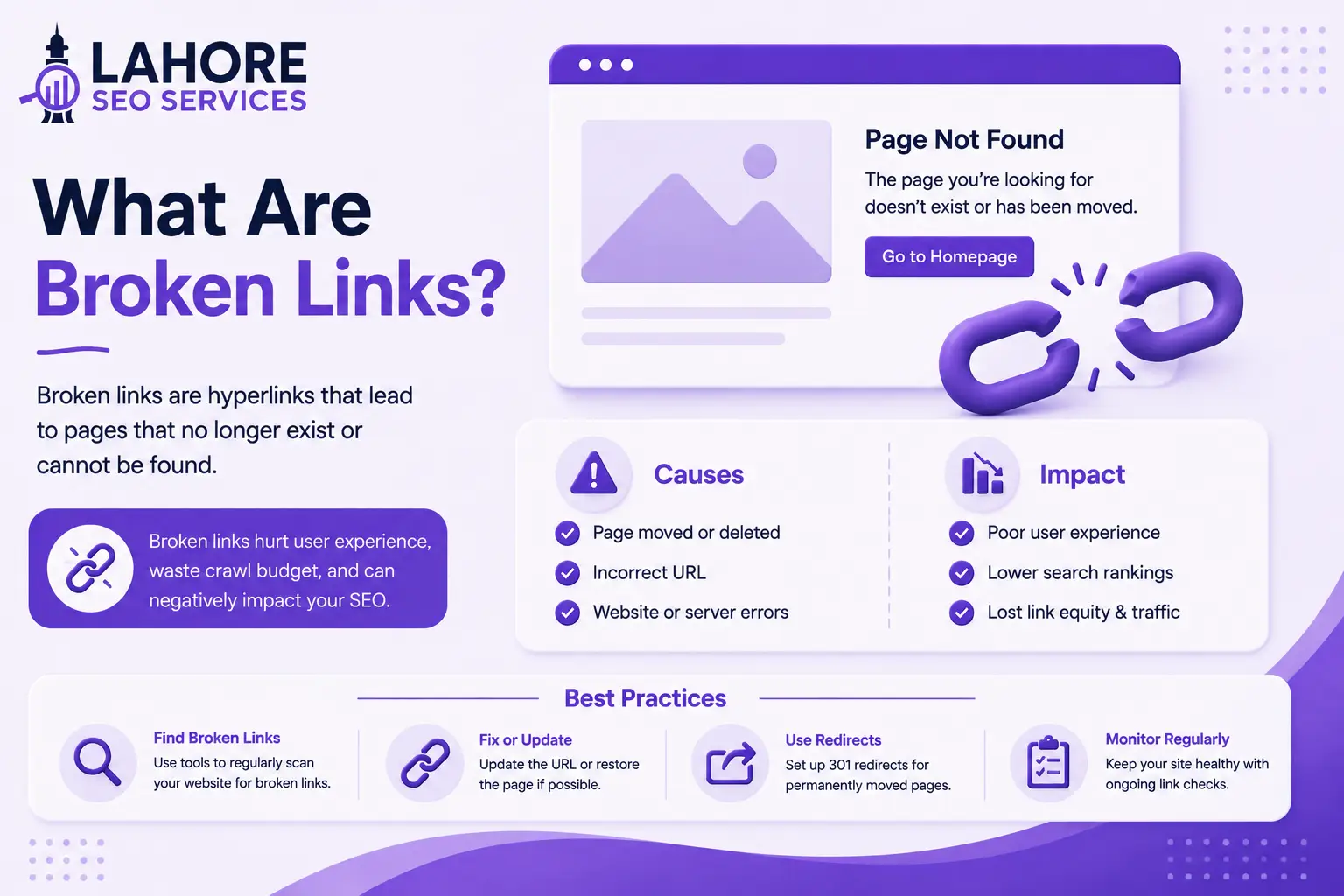
Broken links are hyperlinks that lead to pages, files, or resources that cannot be accessed at the expected URL. A broken link commonly returns a 404 Not Found response, although 410 Gone, 403 Forbidden, 408 Request Timeout, 500 Internal Server Error, and other failures can prevent access. For Lahore SEO Services, monitoring broken links is a practical part of maintaining crawlable, usable, and trustworthy websites.
Broken links can occur inside your website or point from external websites to your pages. Internal broken links interrupt navigation and discovery, while broken outbound links send visitors to unavailable external resources. Broken backlinks occur when other websites link to a URL on your domain that no longer works.
What Causes Broken Links?
Broken links usually result from six common website changes: deleted pages, changed URLs, typing errors, expired domains, server problems, and website restructuring. A link becomes broken when the destination no longer matches the URL stored in the hyperlink.
Deleted or moved pages are common causes. If you remove a page without updating internal links or creating an appropriate redirect, every link that references the old URL can produce an error. URL changes create the same problem when a permalink or folder structure changes without a redirect.
External links can break when another website removes content, changes domains, blocks access, or stops operating. Typographical errors create broken URLs even when the destination page exists. Server failures can cause temporary access problems, so you should distinguish a temporary HTTP failure from a permanently unavailable resource.
Other causes include incorrectly formatted URLs, case-sensitive paths, deleted images or files, broken content management system (CMS) components, and restrictions that prevent requests from reaching the target server. Regular site audits help you detect these issues before broken links spread across important pages.
What Types of Broken Links Should You Check?
You should check three main link categories: internal links, outbound links, and inbound links. Each category creates a different maintenance requirement and needs a different corrective action.
Broken internal links connect pages within your own website. These links can occur in articles, navigation menus, breadcrumbs, category pages, images, buttons, and other site elements. A broken internal link can prevent visitors and search engine crawlers from reaching a valid page.
Broken outbound links point from your website to external domains. External resources can disappear or change without notice, so outbound links require periodic verification. Replace an unavailable resource with a relevant, accessible source when the original destination no longer provides useful content.
Broken inbound links, commonly called broken backlinks, originate on other websites and point to an unavailable URL on your domain. Broken backlinks can represent lost referral traffic and lost opportunities to receive value from existing external references. A relevant redirect or updated destination can recover some of that value.
Common Broken Link Error Codes
The HTTP response helps you determine why a URL fails and which fix fits the situation. A 404 Not Found response means the requested resource does not exist at the requested URL. A 410 Gone response indicates that the resource was intentionally removed and is not expected to return.
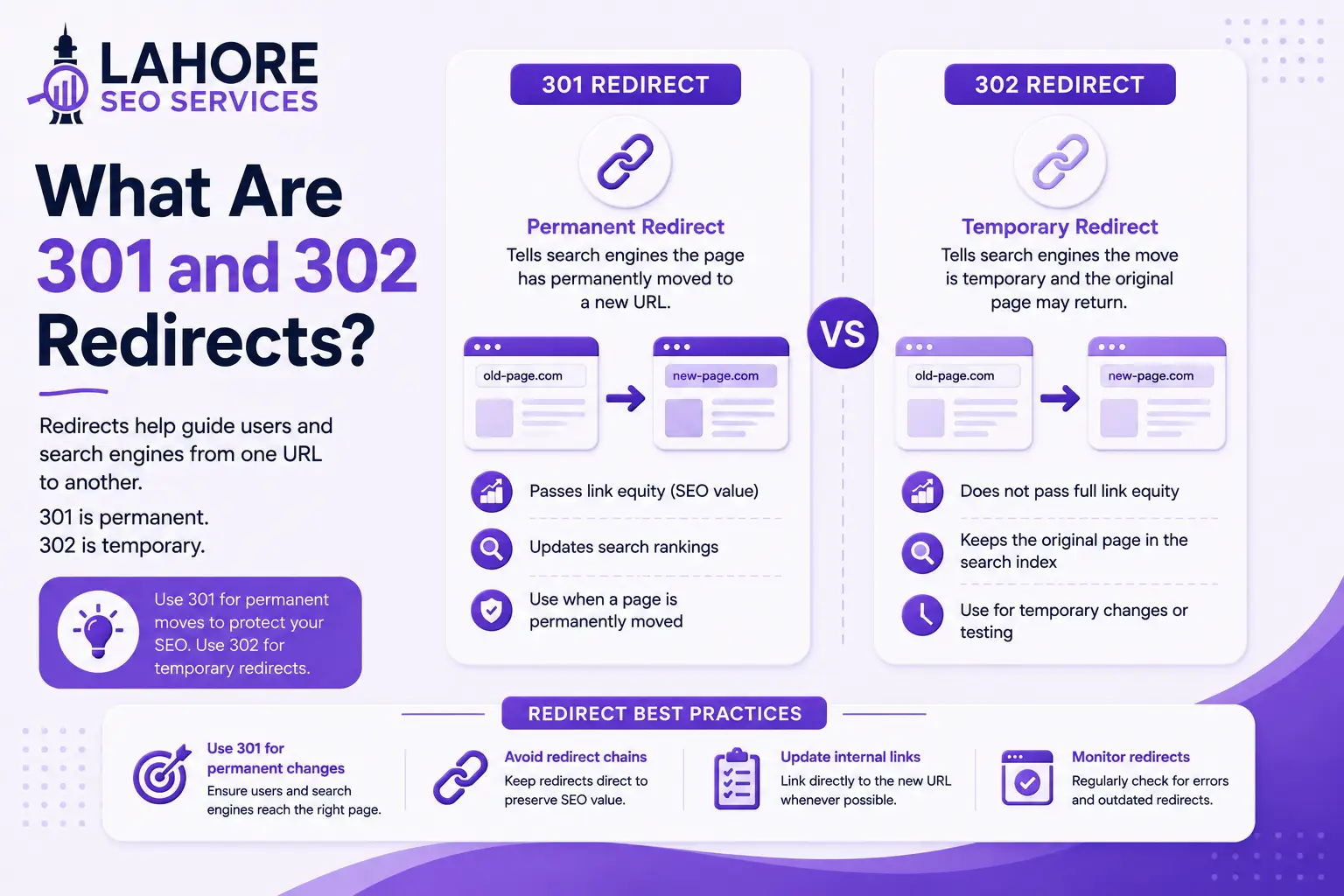
A 403 Forbidden response means the server refuses access. A 408 Request Timeout means the server did not receive the complete request within the required time. A 500 Internal Server Error indicates a server-side problem. A 301 Moved Permanently response is not a broken-link error; a 301 redirect tells users and crawlers that a resource has permanently moved.
You should not treat every non-200 response as a permanent broken link. Check the destination, response behavior, redirect chain, and server configuration before changing a URL.
Why Are Broken Links a Problem for SEO?
Broken links can damage website usability and interrupt search engine crawling, but a few 404 URLs do not automatically cause ranking penalties. The practical SEO problem comes from widespread, unmanaged link failures, especially when important pages become inaccessible or internal linking paths break.
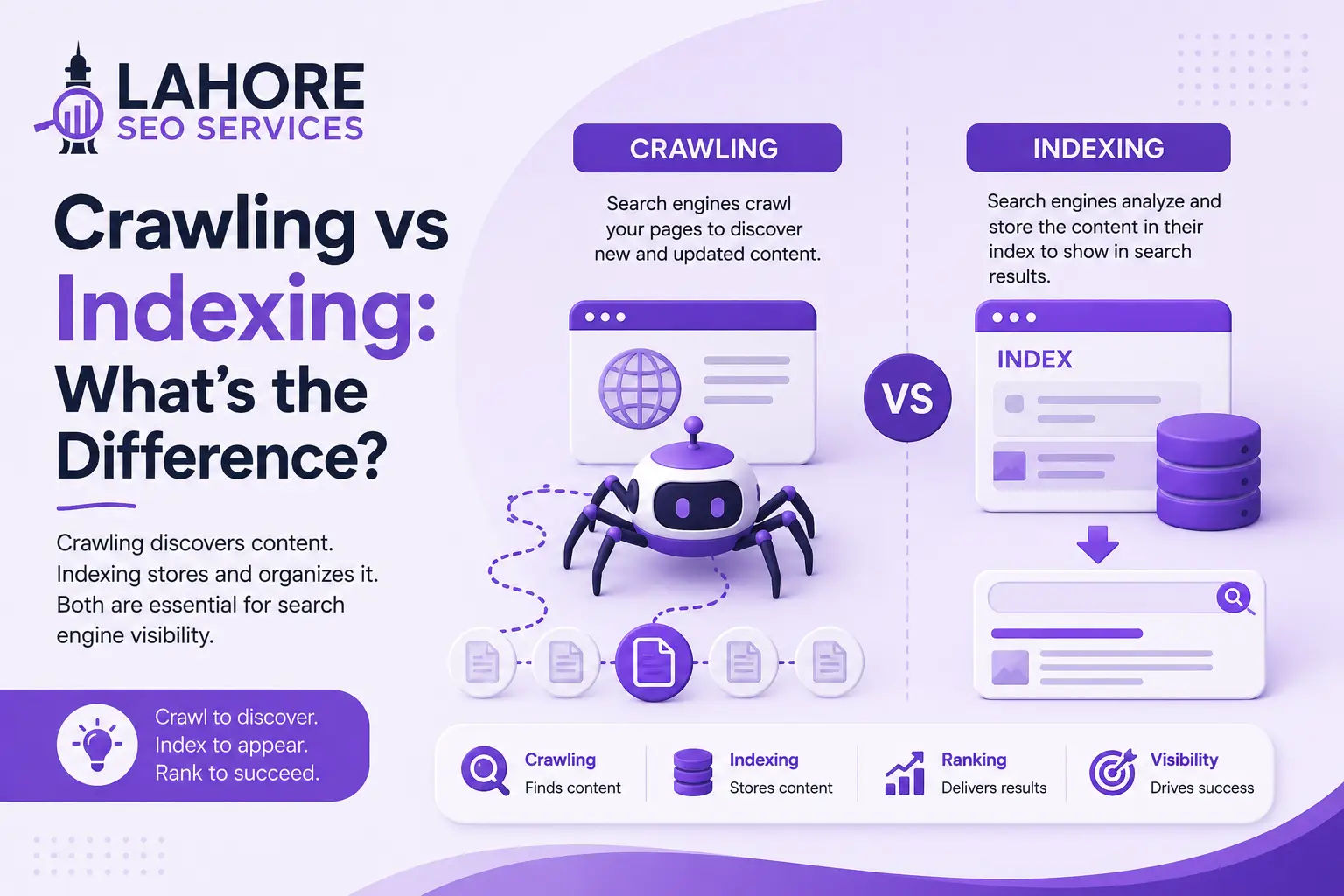
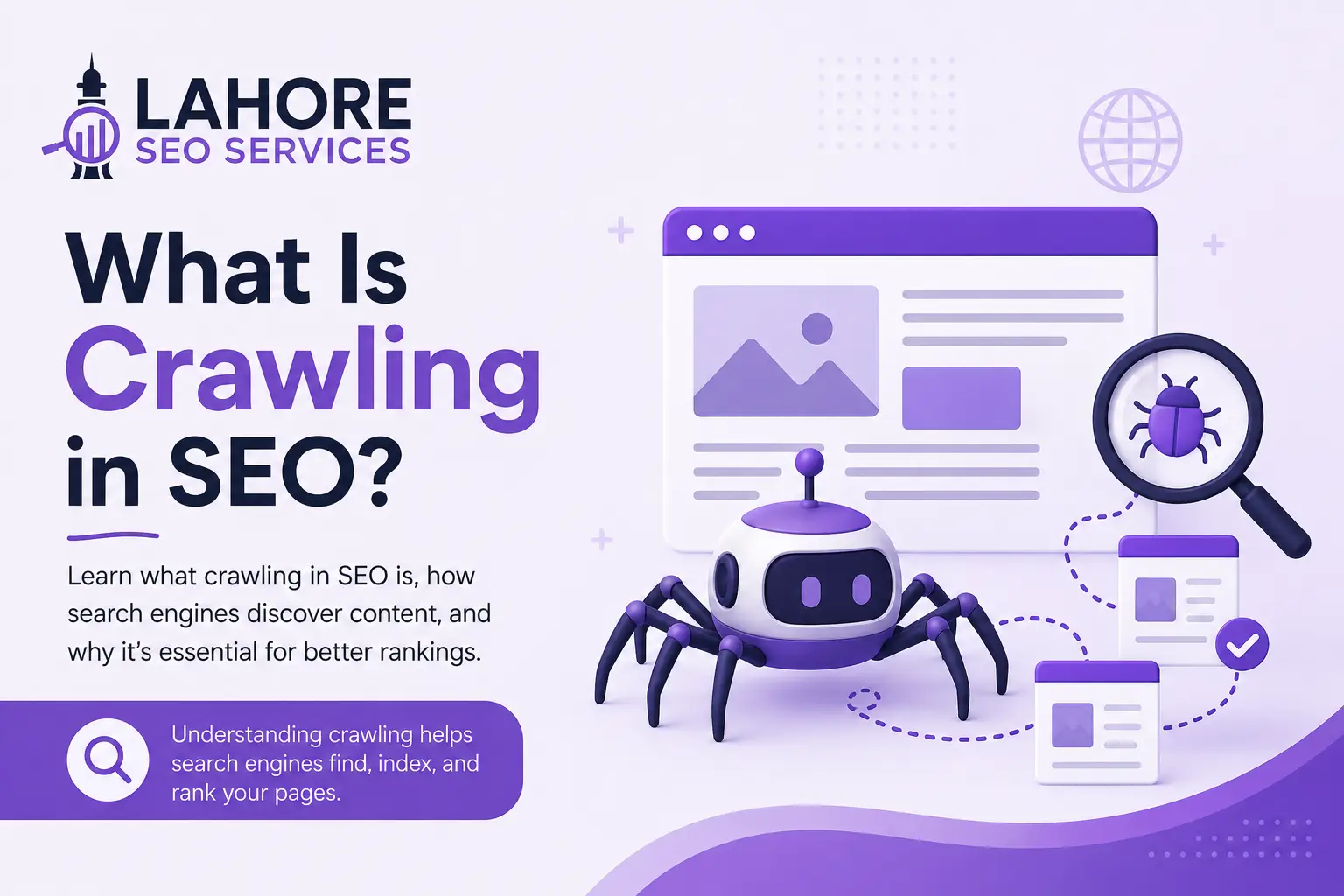
Search engine crawlers use internal links to discover URLs and understand relationships between pages. Broken internal links can interrupt those paths and leave valid resources less accessible through your website structure. Large websites should pay particular attention to crawl efficiency because unnecessary requests can consume resources.
Broken outbound links can reduce content quality when a page recommends an unavailable resource. Visitors cannot access the promised information, which weakens the usefulness of the page. A website with numerous unresolved external link failures can require more maintenance and reduce user confidence.
Broken backlinks create a different problem. If an external website links to an old URL on your domain, visitors may reach a 404 page instead of relevant content. A suitable redirect can preserve the user journey and recover traffic from an existing referring domain.
How Do Broken Links Affect User Experience?
Broken links create immediate navigation problems because visitors expect a clickable link to lead to a usable resource. A 404 page interrupts that task and can cause visitors to leave the website or search for another source.
The effect becomes more serious when broken links appear on high-traffic pages, navigation elements, service pages, product pages, or conversion paths. A broken link in a primary user journey can prevent visitors from reaching contact forms, pricing information, supporting content, or other important destinations.
A custom 404 page can reduce frustration by providing clear navigation, search functionality, and links to useful sections. A custom error page does not replace fixing the original broken link, because the best solution remains a valid destination or an appropriate redirect.
How to Find Broken Links on a Website
To find broken links, combine Google Search Console with a full website crawler and backlink analysis tool. Each method reveals different parts of the link profile, so using more than one source provides stronger coverage.
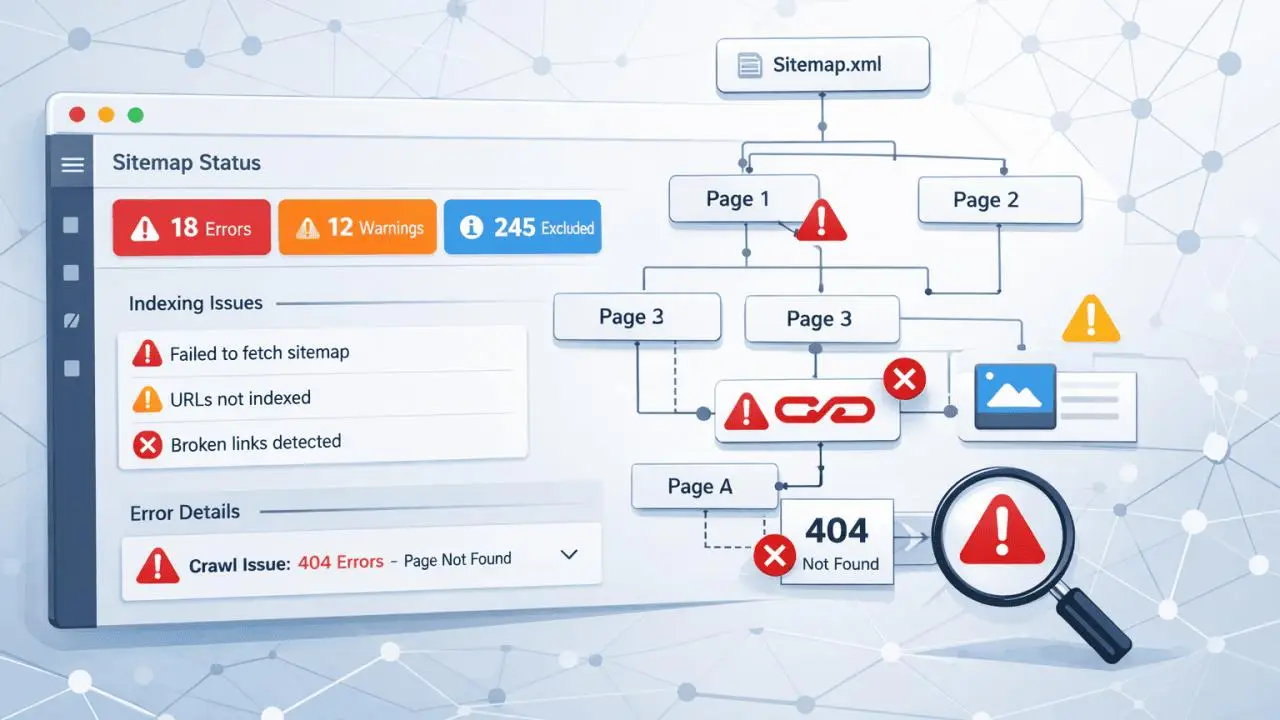
Google Search Console can reveal indexing and crawling problems associated with URLs on your website. Review current indexing reports and inspect affected URLs to identify pages that return errors. Search Console does not replace a complete crawl because search engines may not expose every broken link present in your content.
A crawler such as Screaming Frog SEO Spider can scan internal URLs, external URLs, response codes, redirect chains, and source pages. A crawl lets you identify the exact page that contains a broken link, which makes corrective work faster.
Backlink tools such as Ahrefs, Semrush, or Moz can identify external websites that link to broken URLs on your domain. Review referring domains, destination URLs, relevance, and traffic before deciding whether a redirect or outreach action is worthwhile.
Manual checks remain useful for important pages. Test critical navigation links, forms, downloads, and high-value external resources after major site changes. Automated tools can detect response failures, while manual review confirms whether the destination remains relevant.
How to Fix Broken Links in SEO
To fix broken links, choose the solution that matches the destination status and the purpose of the original link. Do not redirect every broken URL to the homepage because an irrelevant redirect can create a poor user experience and fail to satisfy the original intent.
Update the link when the correct destination still exists at a different URL. Replace the old URL with the current canonical destination and verify that the new URL returns a successful response.
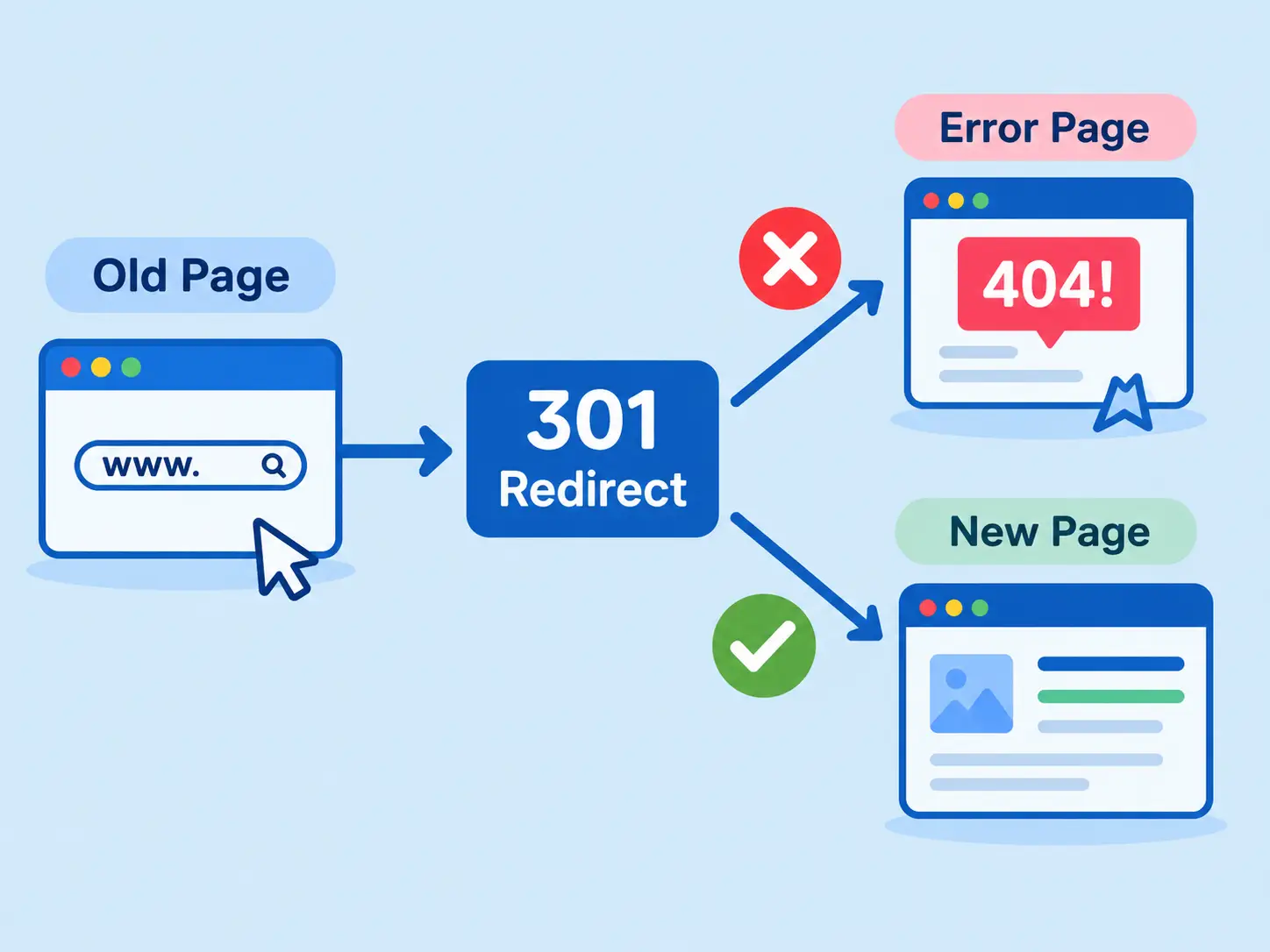
Use a permanent 301 redirect when a page has moved and a closely related replacement exists. A 301 redirect sends users and crawlers from the old URL to the new destination. Maintain relevance between the old resource and the replacement rather than redirecting unrelated URLs.
Remove the link when the resource no longer exists and no relevant replacement provides equivalent value. Removing a genuinely unnecessary link is better than preserving a dead destination.
Fix the source when the broken URL results from a typo, malformed path, incorrect protocol, or wrong case. Correct the hyperlink at its origin so future visitors and crawlers reach the intended resource.
For broken backlinks, identify valuable referring domains and contact publishers when an updated destination can help readers. A concise outreach message can explain that the linked URL is unavailable and provide the most relevant replacement URL.
When Should You Use a 301 Redirect?
Use a 301 redirect when an old URL has a relevant permanent replacement. A redirect is appropriate after URL changes, content consolidation, domain migrations, or page restructuring when the new destination serves substantially the same user intent.
Do not use a 301 redirect merely to remove every 404 response. A deleted page with no suitable replacement can remain unavailable, while a useful custom 404 page can guide visitors toward relevant content.
Review redirect chains and loops during implementation. A direct redirect from the obsolete URL to the final destination keeps the path efficient and reduces unnecessary HTTP requests.
What Is Broken Link Building?
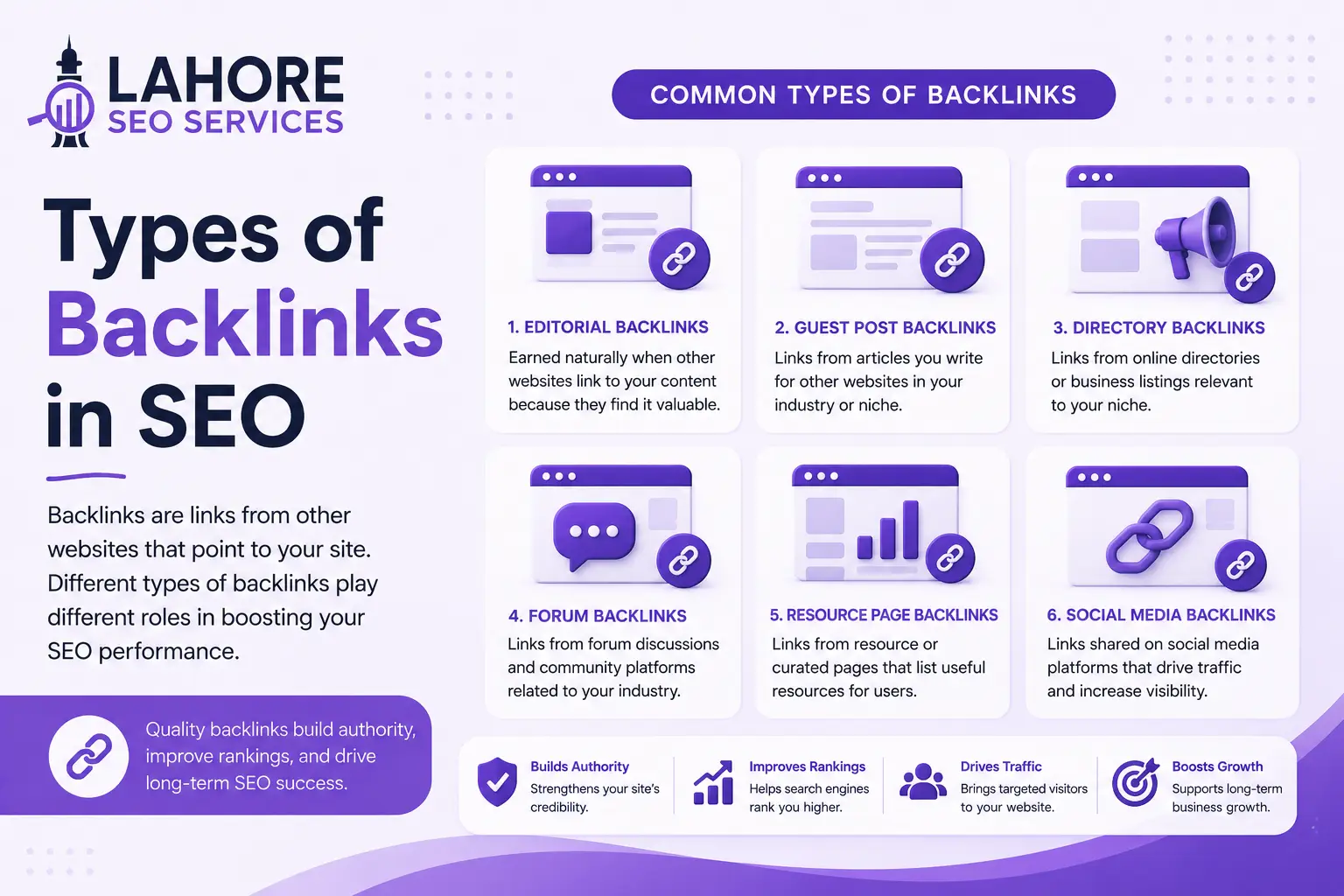
Broken link building is an SEO link-building method that identifies broken external links on other websites and offers a relevant replacement resource from your own website. The approach combines link research, content relevance, publisher outreach, and relationship building.
The process starts with finding broken pages that previously attracted backlinks. You then evaluate referring domains and identify opportunities that match your expertise. A replacement page should provide genuine value rather than exist only to obtain a backlink.
You can use tools such as Ahrefs to research broken pages and referring domains. The Wayback Machine can help you understand the historical topic and purpose of a deleted page, although archived content should guide research rather than become a reason to reproduce outdated material.
Create or improve a relevant resource before outreach. Contact publishers with a concise explanation of the broken reference and provide the replacement URL. Broken link building works best when the replacement closely matches the original topic and improves the reader’s access to useful information.
How to Build a Better Broken Link Strategy
At Lahore SEO Services, a strong broken-link strategy has four steps: crawl, classify, fix, and monitor. Start with a site audit that identifies broken internal and outbound links. Classify each issue by page importance, destination relevance, response code, and traffic impact.
Fix high-value URLs first. Prioritize broken links on pages that receive substantial organic traffic, support conversions, contain important internal links, or attract valuable backlinks. This approach connects technical maintenance with measurable business priorities.
Document each correction. Record the old URL, new URL, action taken, source page, and verification status. Documentation reduces repeated work and helps you identify patterns caused by recurring website changes.
Monitor after implementation. Re-crawl the website after major URL changes, migrations, content removals, or redesigns. Scheduled checks can detect new failures before broken links affect important user journeys.
How Often Should You Check for Broken Links?
Check broken links at least monthly for active websites and after major changes such as migrations, redesigns, permalink updates, content pruning, or domain changes. High-volume websites should use more frequent automated monitoring because new links and content changes create more opportunities for link failures.
A monthly crawl provides a practical baseline for many websites. Review critical pages sooner after publishing or structural changes, especially when a website uses external resources that can change without notice.
Frequently Asked Questions
What are broken links in SEO?
Broken links in SEO are hyperlinks that lead to unavailable URLs, deleted resources, or inaccessible pages. Broken links can interrupt navigation, reduce content usefulness, complicate crawling, and cause visitors to encounter HTTP errors such as 404 Not Found.
What causes broken links on a website?
Deleted pages, changed URLs, typing errors, expired domains, server failures, and website restructuring cause most broken links. External resources can disappear independently, while internal links can break after permalink changes, content removal, migrations, or incorrect URL edits.
How do broken links affect SEO rankings?
Broken links can weaken website usability and crawling when important linking paths fail, but a few 404 URLs do not automatically cause ranking penalties. The strongest concern is widespread link failure that blocks valuable resources, wastes crawl activity, or disrupts user journeys.
How to find broken links on a website?
Use Google Search Console, website crawlers, backlink analysis tools, and manual checks to find broken links. Screaming Frog can identify source pages and response codes, while backlink tools can reveal external references to unavailable URLs and help prioritize recovery opportunities.
How to fix broken links in SEO?
Update broken URLs, add relevant 301 redirects, remove unnecessary links, or correct source errors based on the destination status. Redirect a moved page to a closely related replacement, and remove the link when no equivalent resource exists.
How often should a website be checked for broken links?
Check an active website at least monthly and after major structural changes. Larger websites benefit from automated monitoring because migrations, URL edits, content removals, and external resource changes can create new broken links before the next scheduled audit.